Billing and GST invoicesBill paid, ₹446Counter Sale, cash
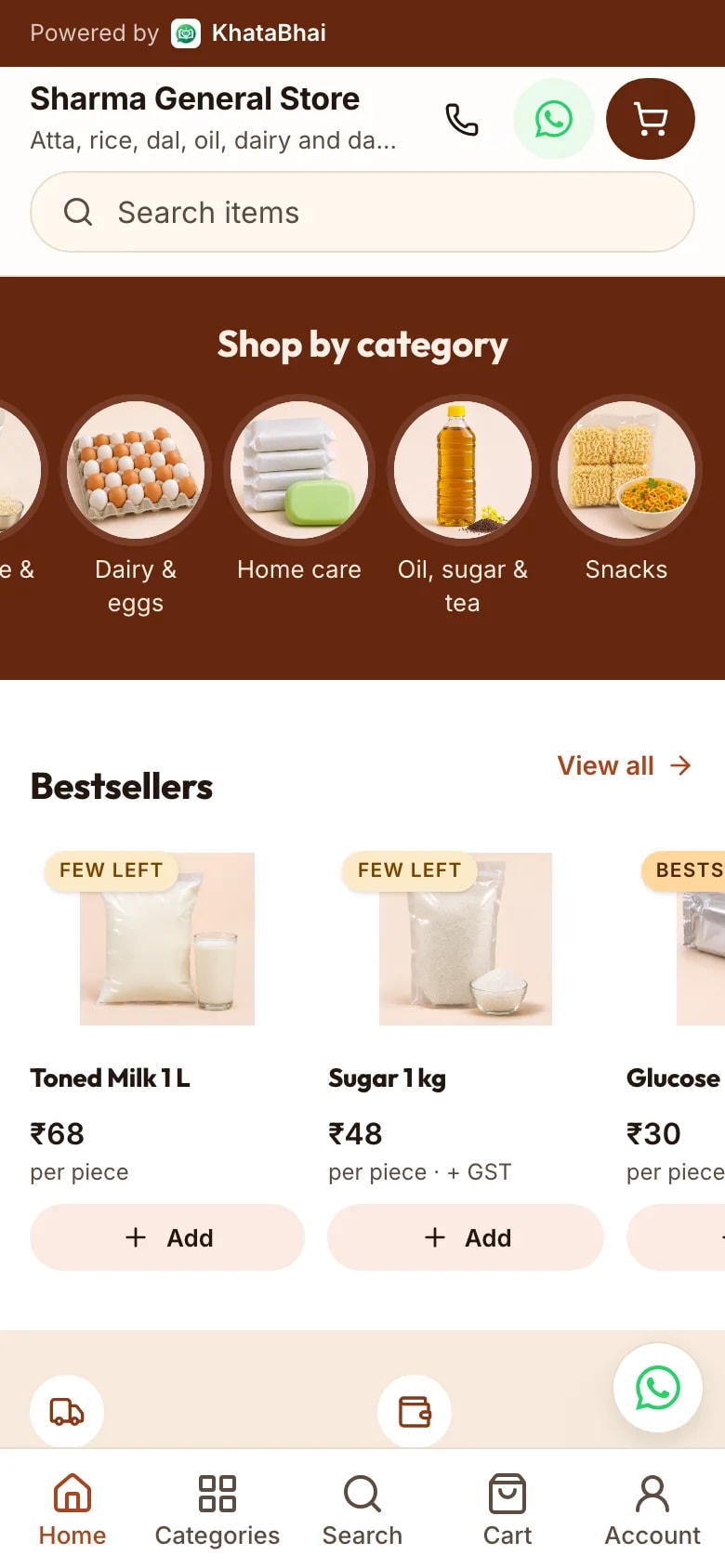
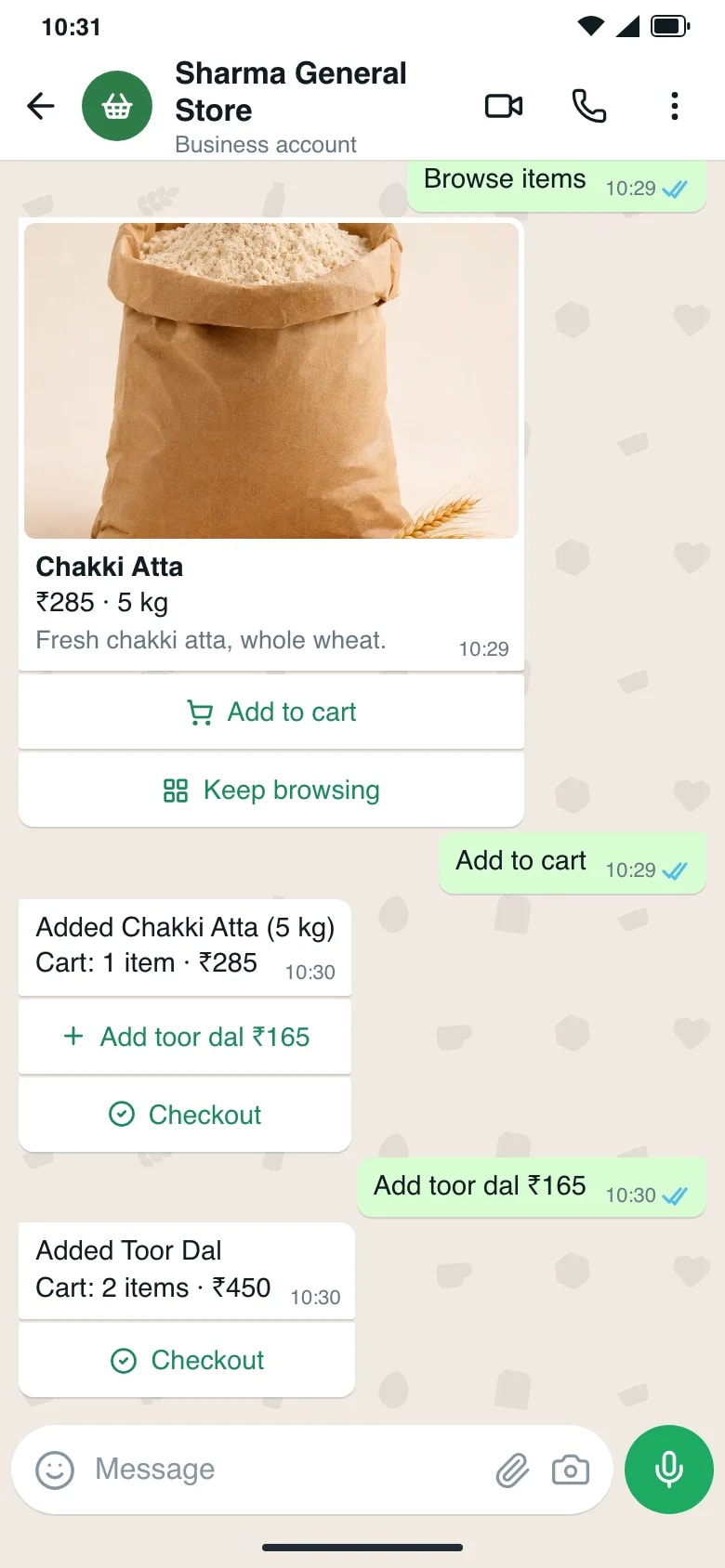
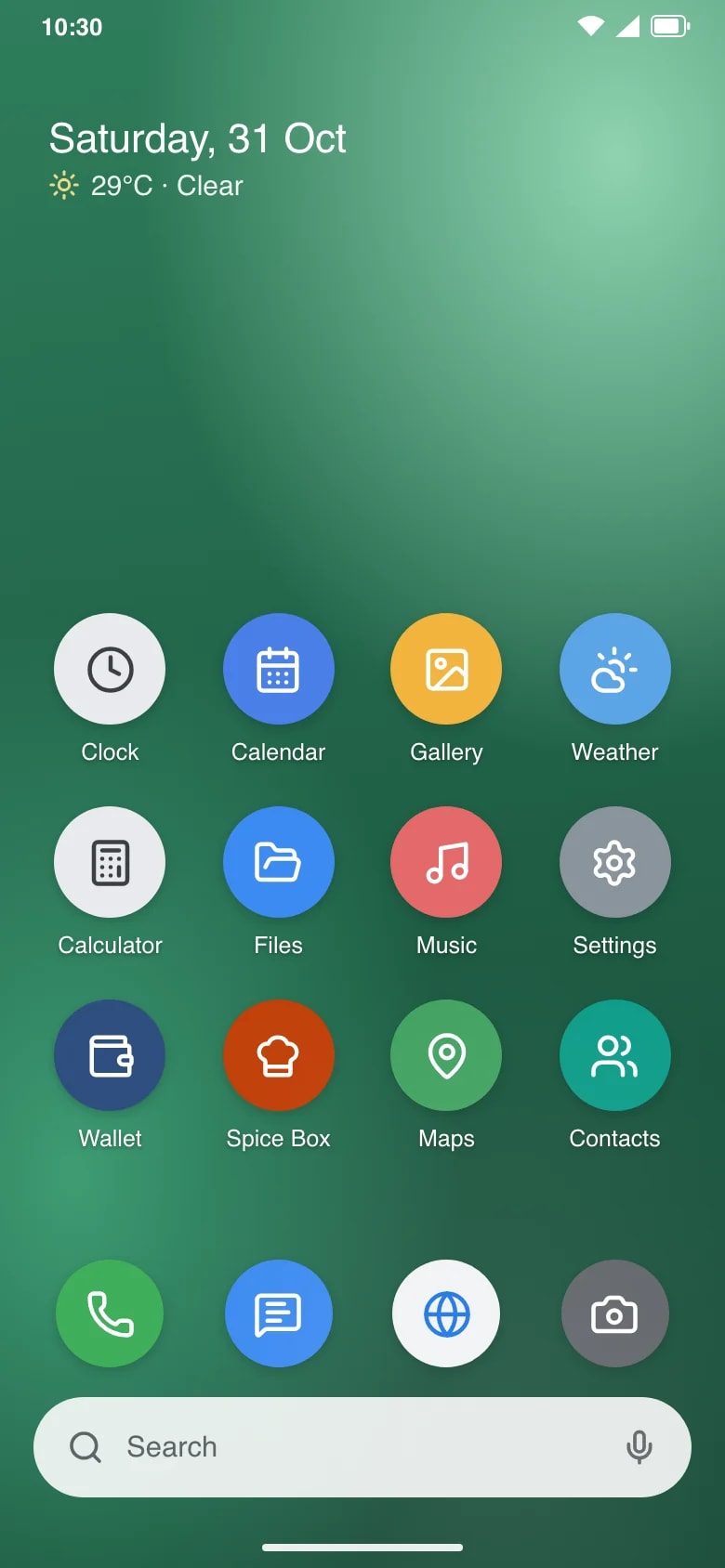
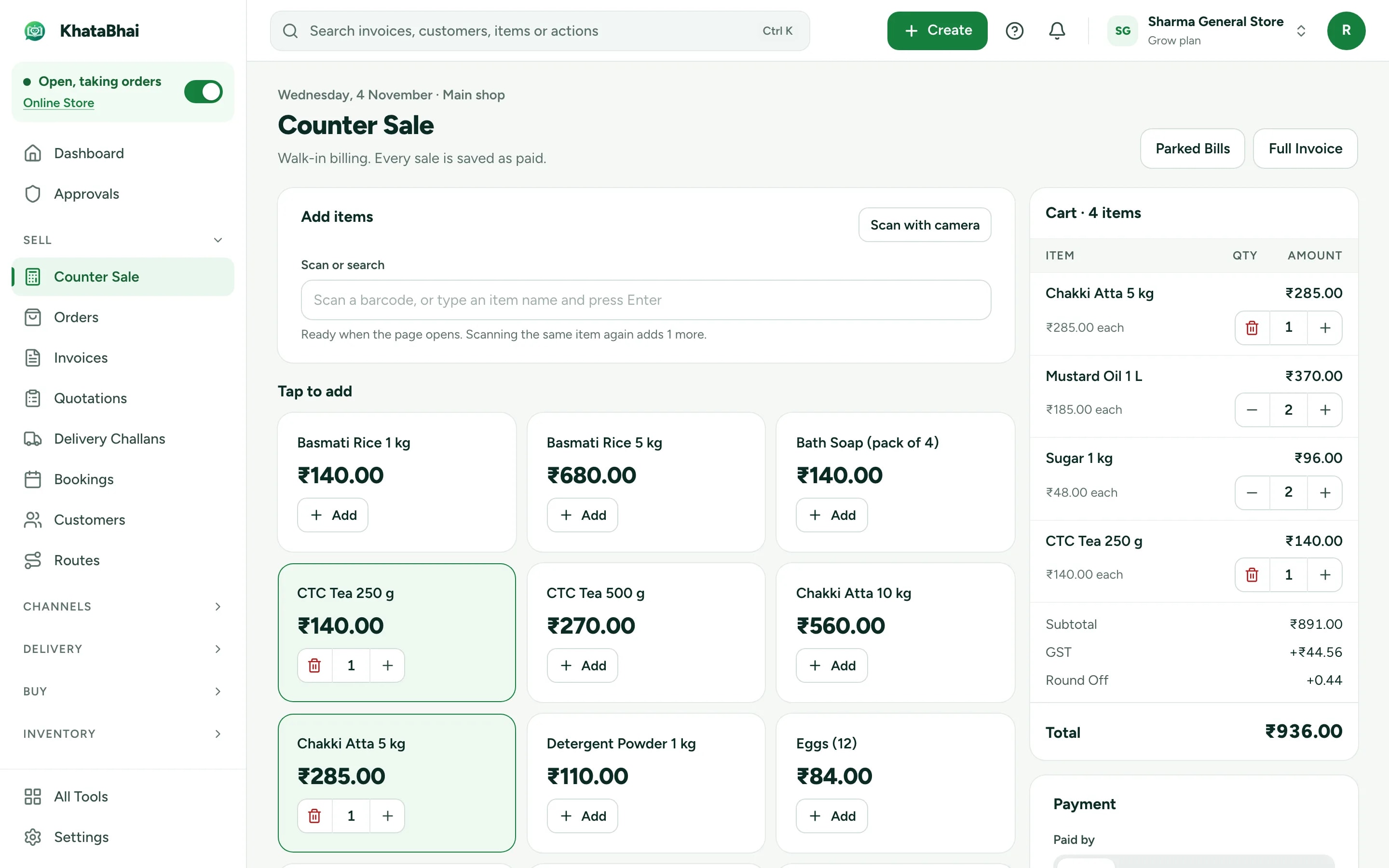
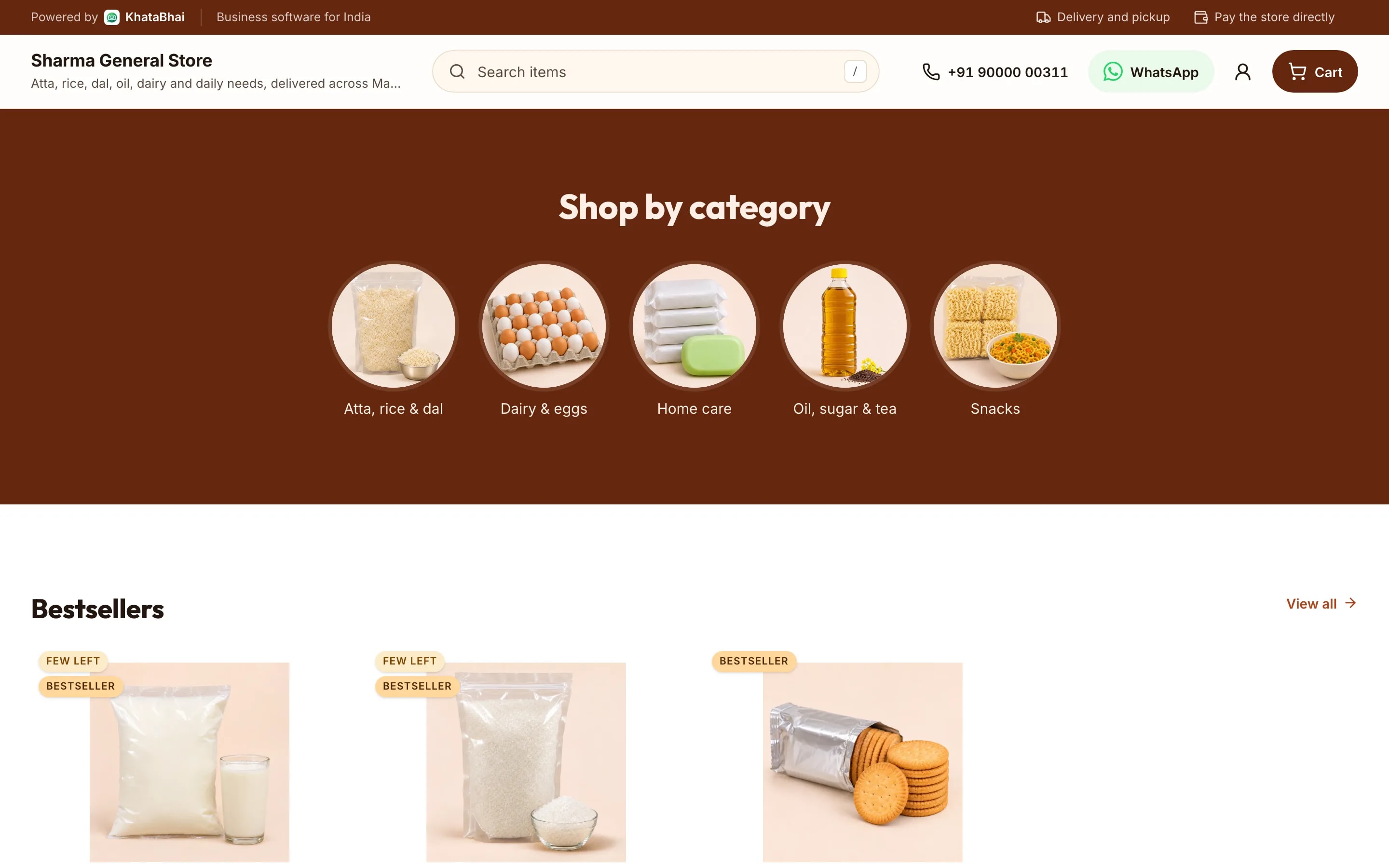
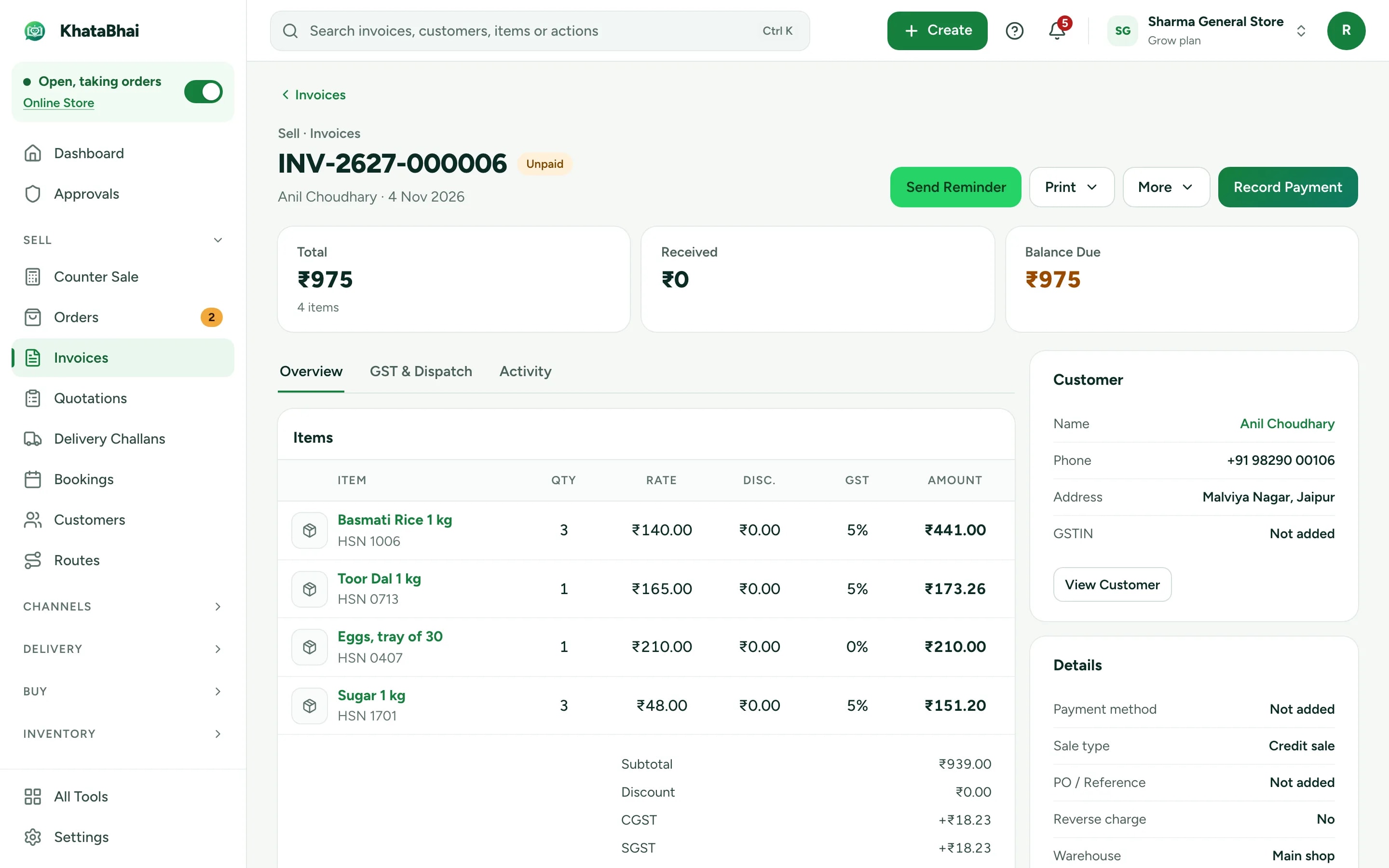
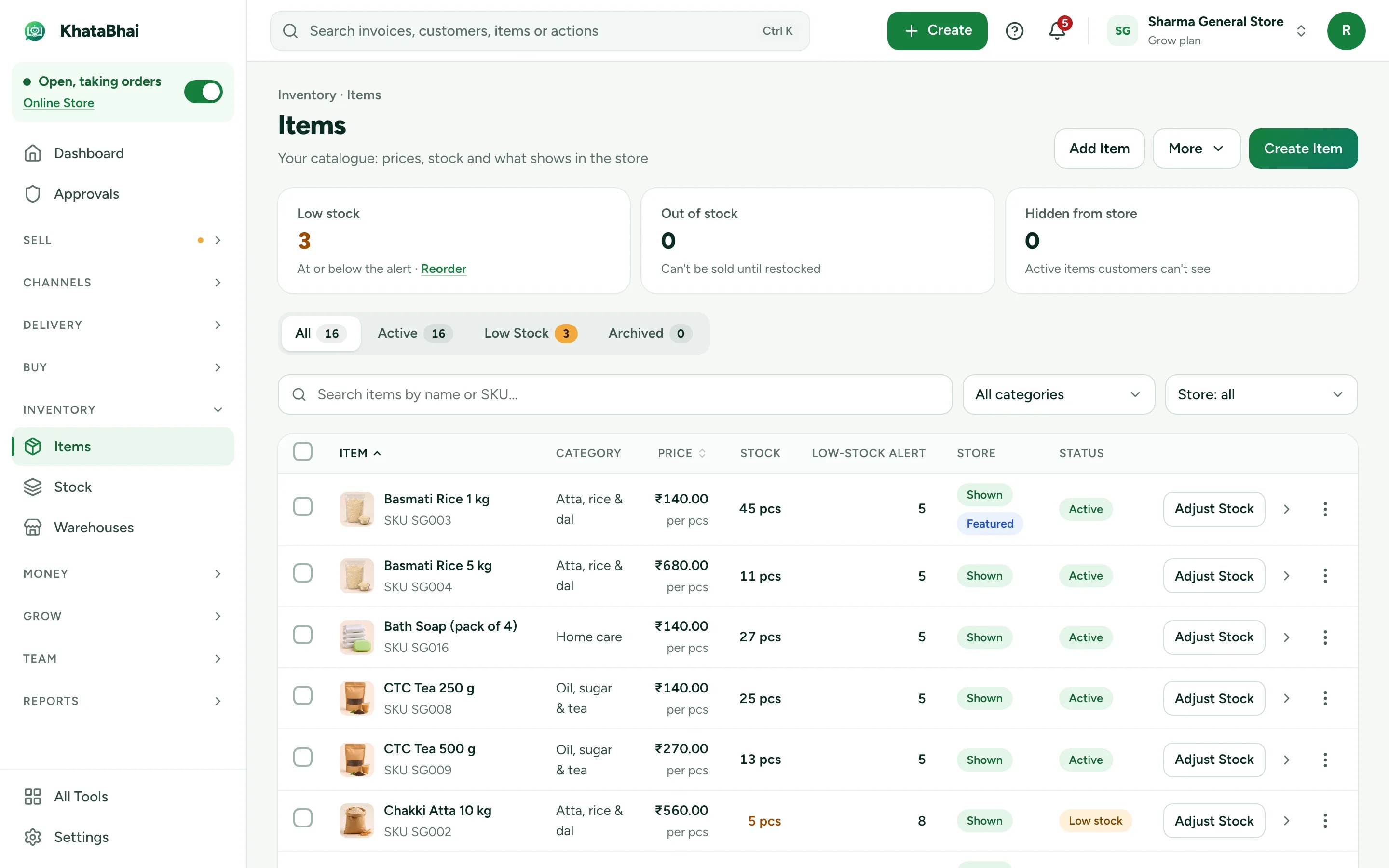
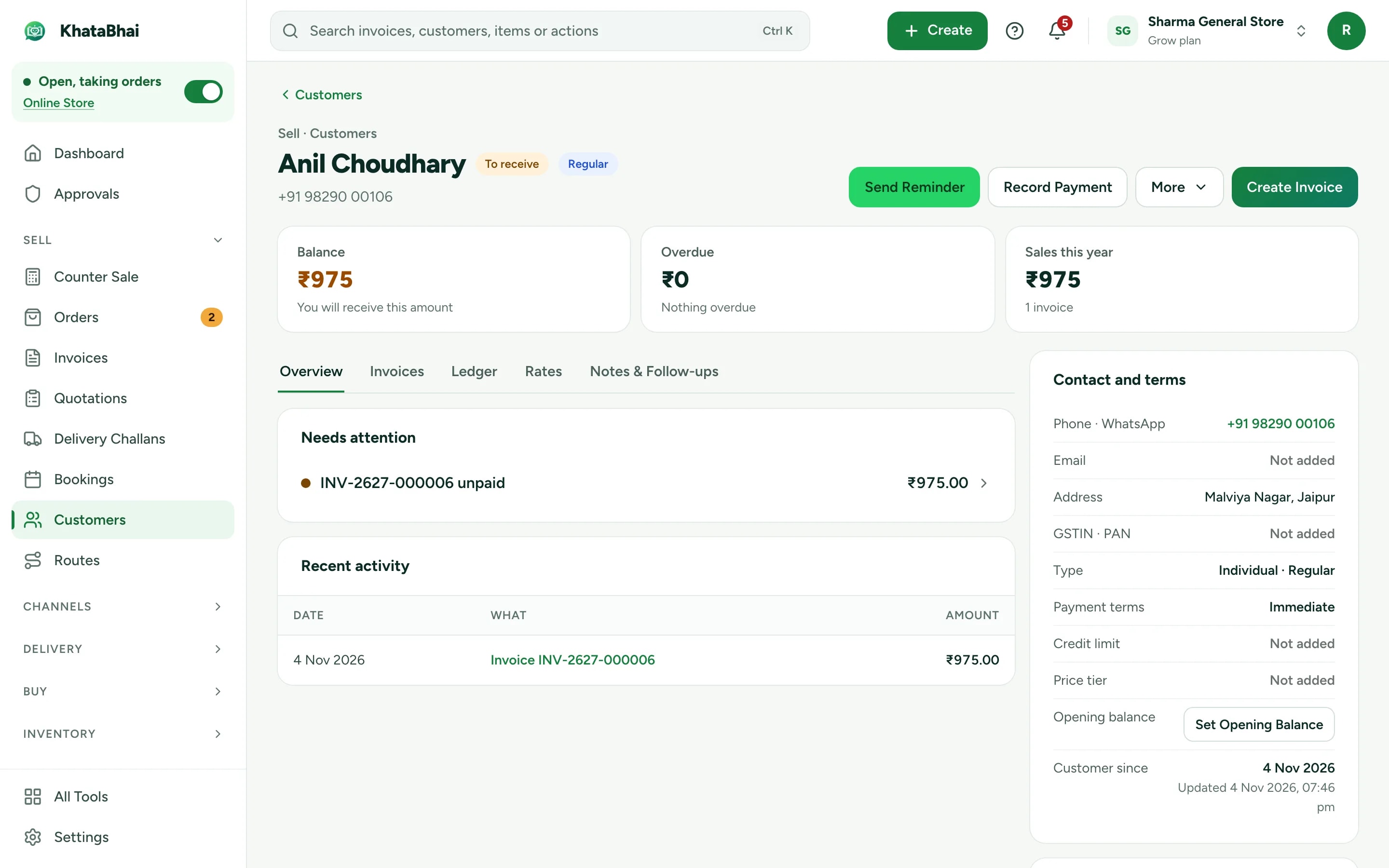
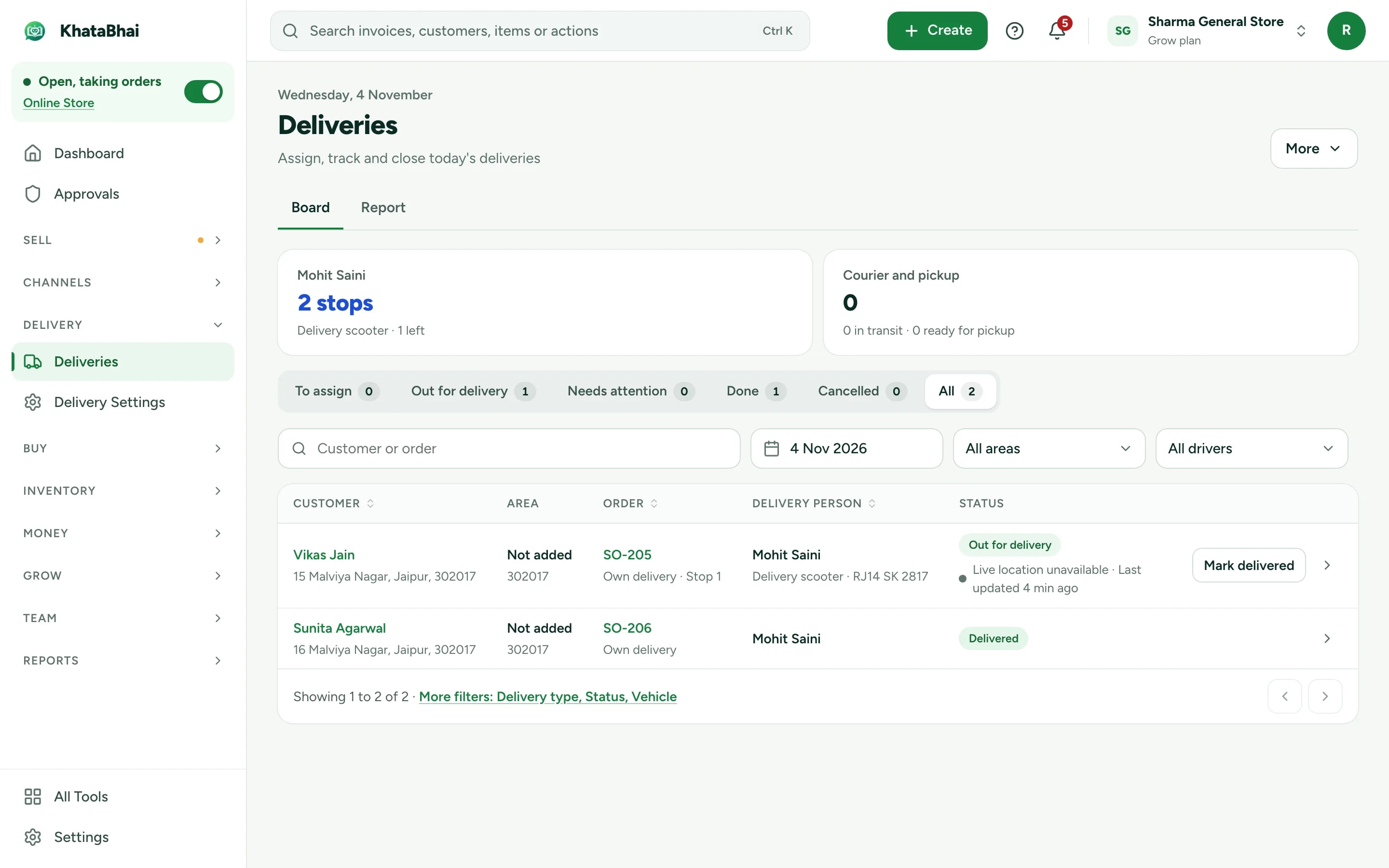
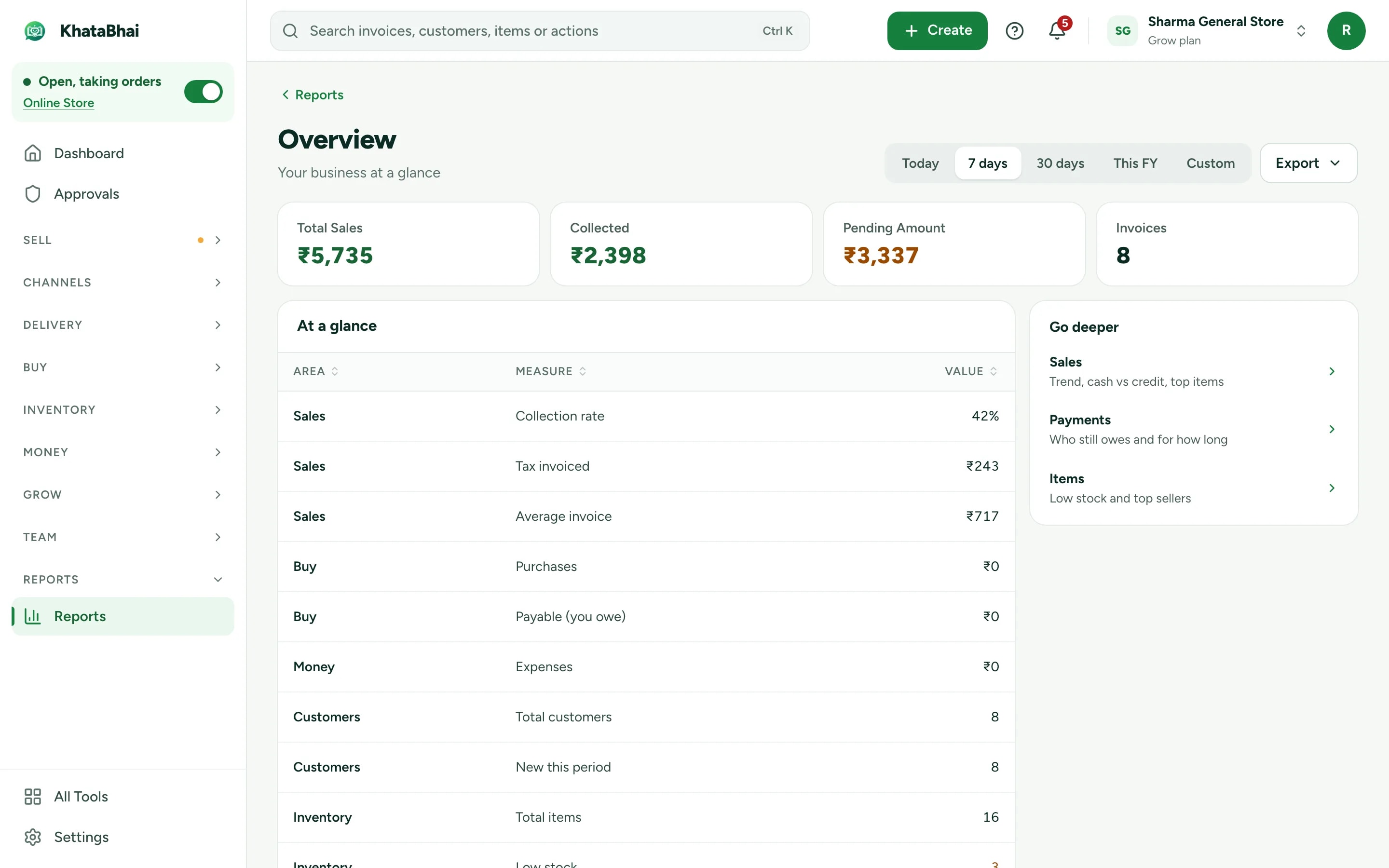
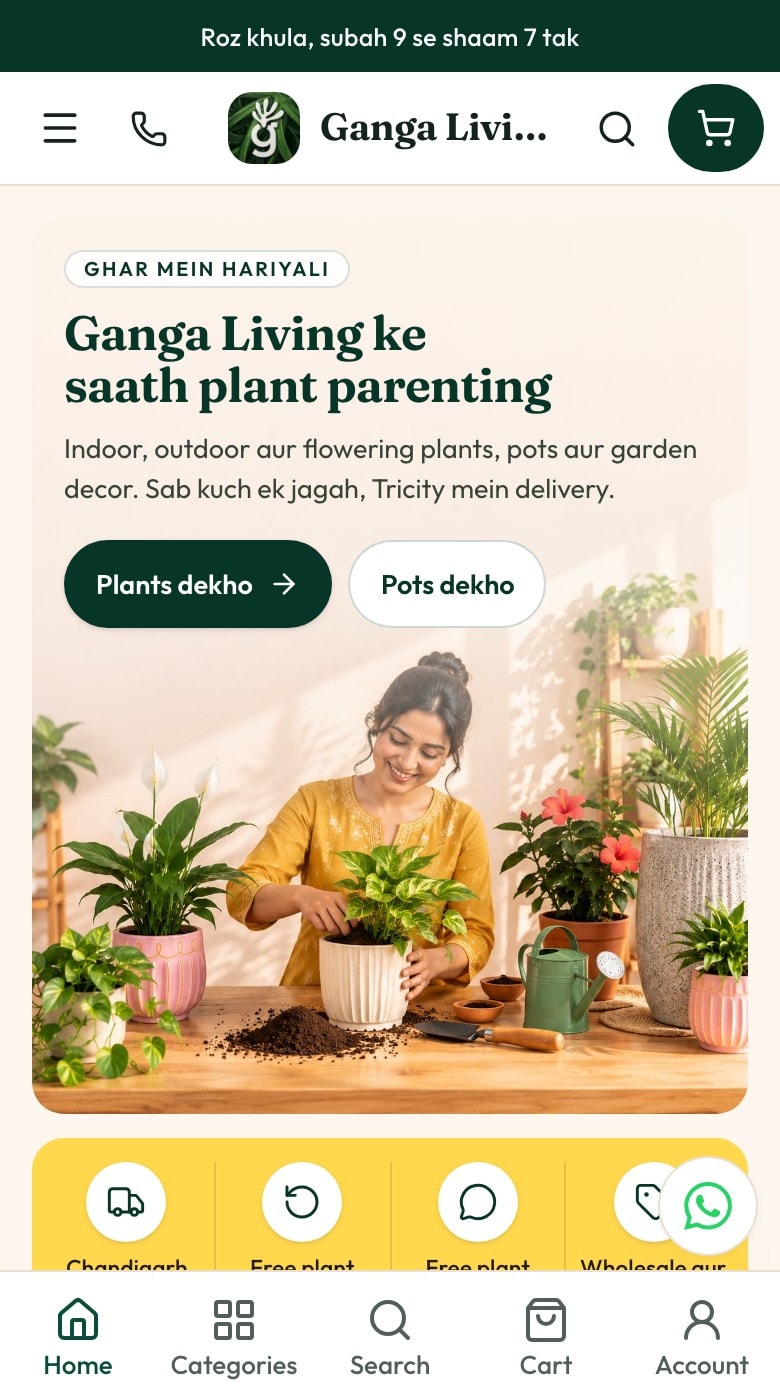
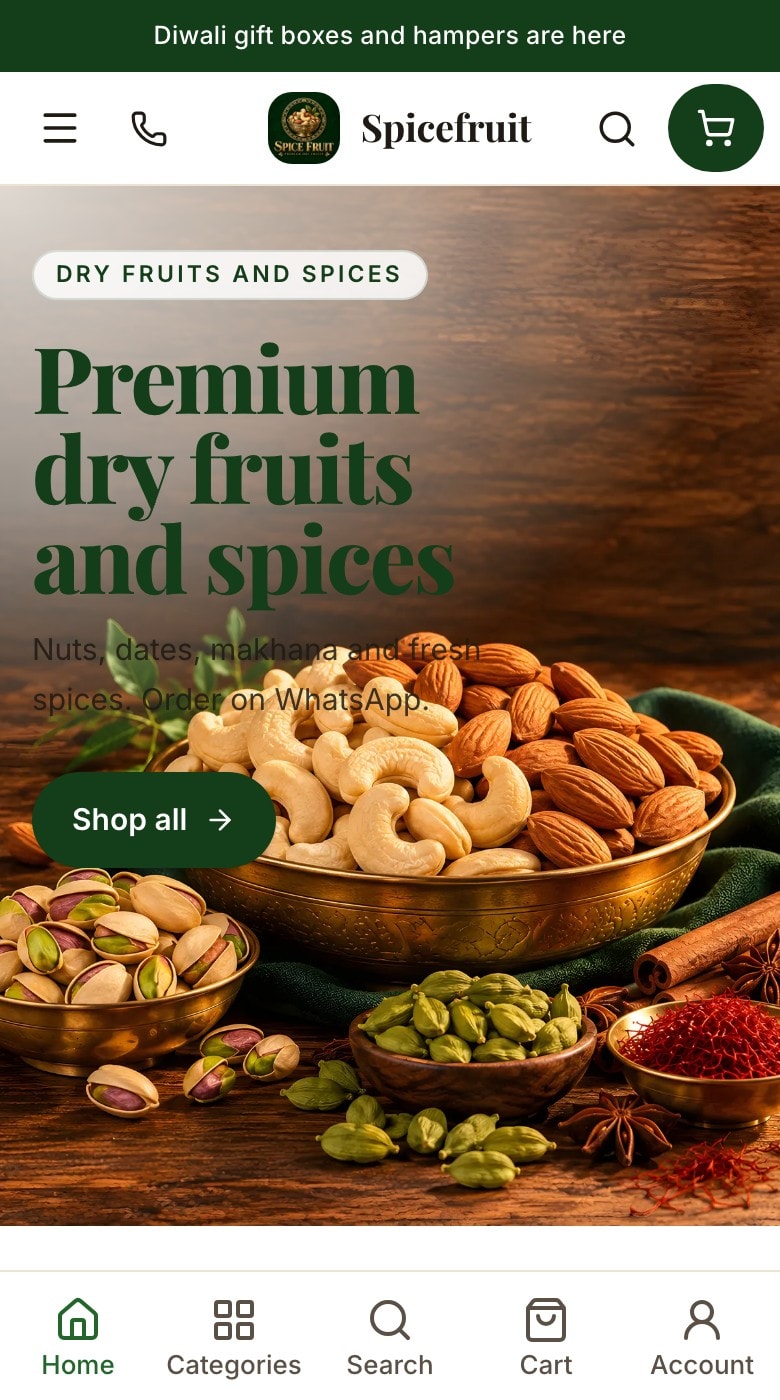
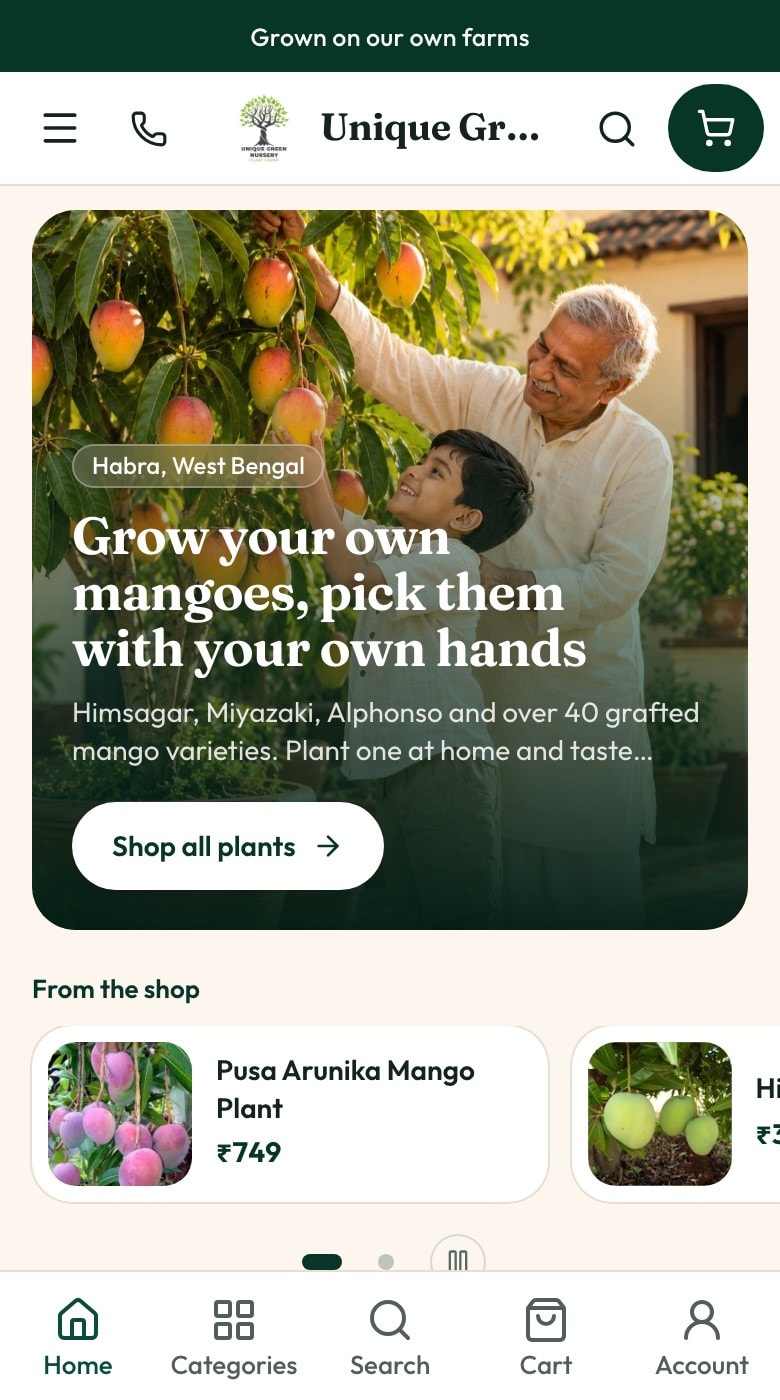
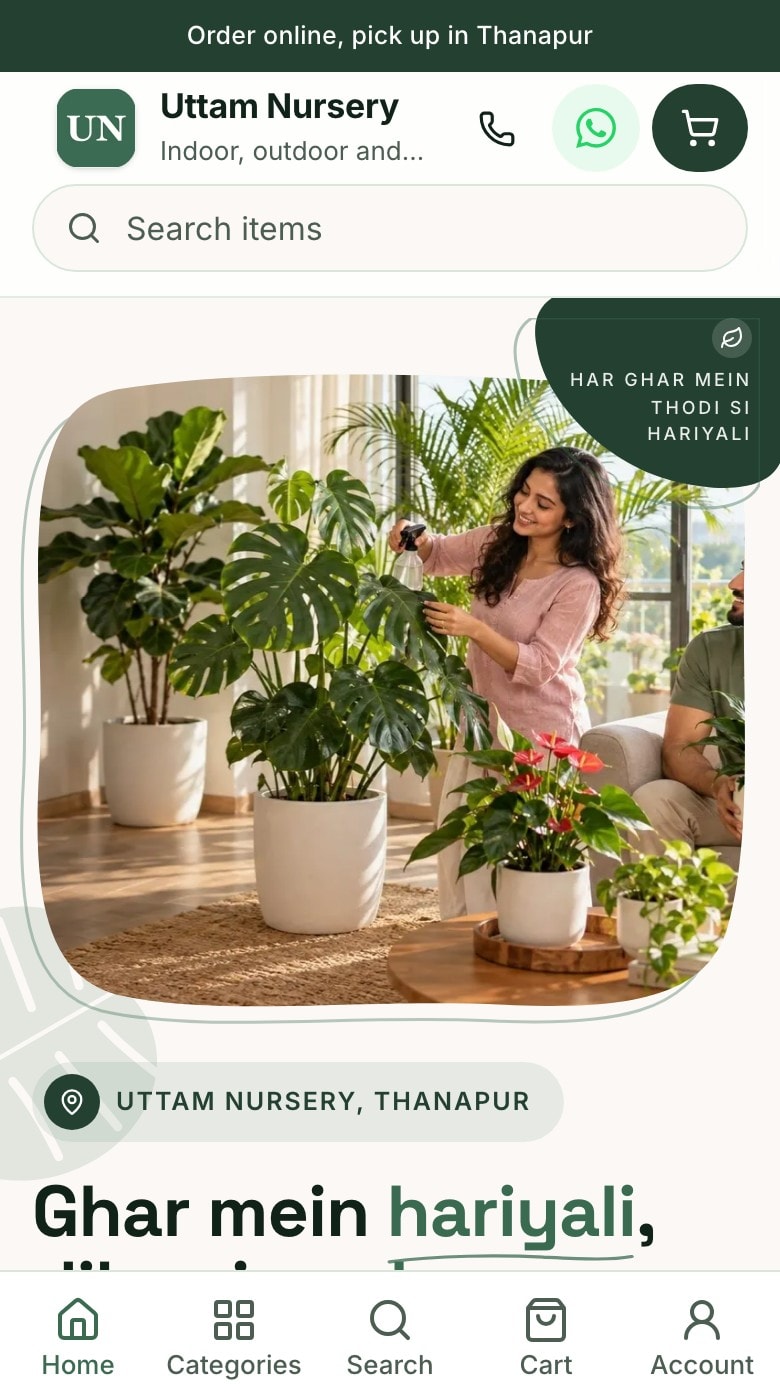
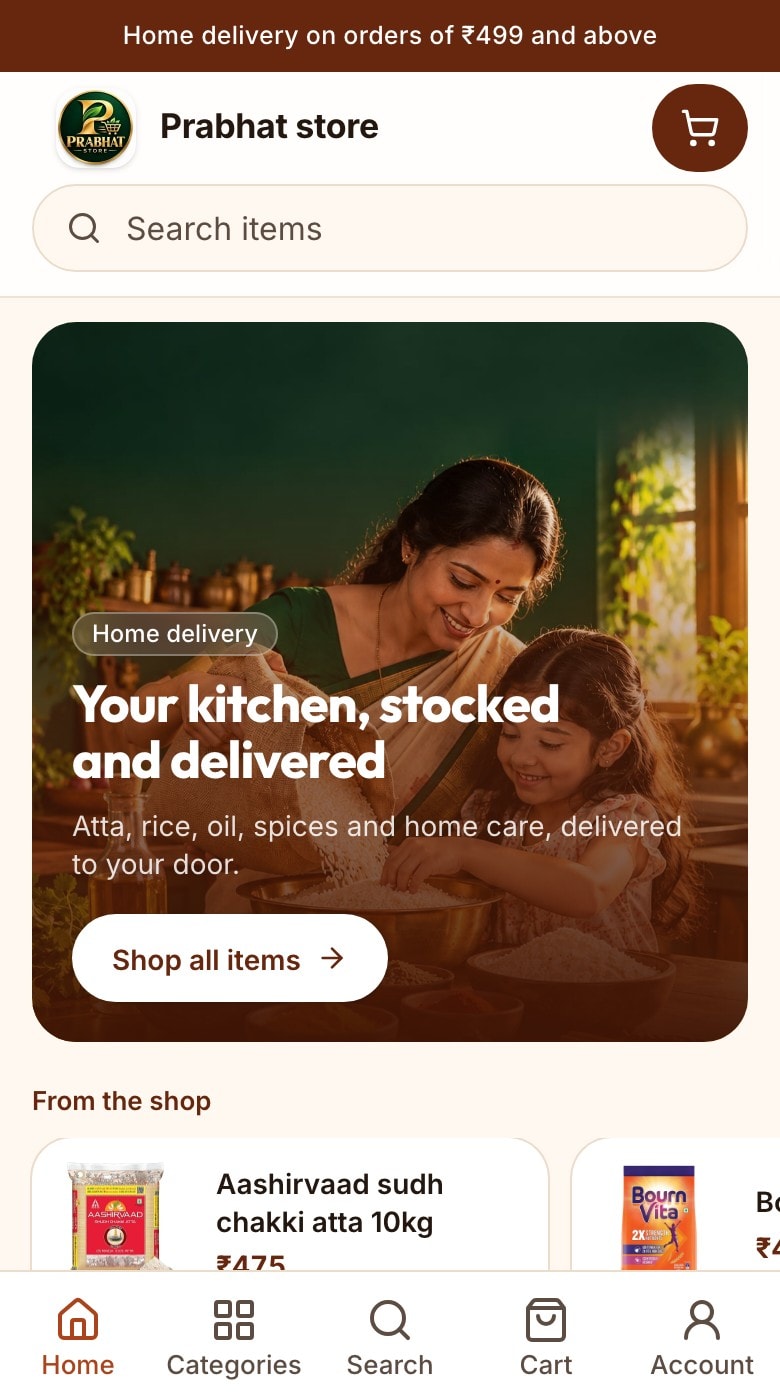
KhataBhai screens with demo data: the store on a customer's phone, a sample of the catalog in a WhatsApp chat, a sample of the shop's own app on a phone's home screen, each sending its orders to one dashboard, where the owner bills: the real Counter Sale screen, shown with a sample new order and the counter bill on that screen.
Channels
Sell where your customers already are.
Every channel feeds the same orders, stock and customer records. Add a channel without starting over.
Online StoreA store link, or your own domain
WhatsApp StoreBrowse, cart and checkout in the chat
Your own appYour store on your customers' phones
Counter and web billingInvoices you create yourself
Next channelsPlug into the same records
One dashboard
Orders and invoices
Items and stock
Customers and khata
Payments
Your own app
Your store, as an app on your customers' phones.
Customers open your shop in one tap, with your name and logo. Every order lands in the same dashboard as your store and WhatsApp orders.
Install it from your store link
Grow and above
Customers tap Add on your store, and it sits on their home screen
Your shop's name, logo and colours, not ours
Opens straight to your store, ready to order
No app store needed
S
Add Sharma General Store to your home screen
Open the store in one tap, like an app.
AddNot now
Your own Android app on Google Play
Business and above
We build it from your store: the same items, prices and offers
We publish it on Google Play for you, so you don't need a Play account
Orders from the app come to your dashboard like store orders
Diwali offer: free one-time setup. Custom features are paid add-ons.
Prices in rupees. Invoices, customers and items have no monthly limit on any plan.
Customers can install your store as an app on Grow and above. On Business and above, we build your own Android app from your store and publish it on Google Play for you. Diwali offer: free one-time setup. Custom features are paid add-ons.
Scale
Large catalogs, high traffic, many branches or custom needs.
The same records on all three. The web and the app use the same login.
Web dashboard
Everything: store setup, orders, invoices, items, customers, purchases, delivery, Staff, settings and Reports.
Any computer or phone browser
WhatsApp
Quick work by message, voice note or photo: invoices, stock checks, balances, payments, orders and reminders.
The app you already use
KhataBhai app
Your whole business on your phone, on the same records. Deliveries with live location, printing on Bluetooth or Wi-Fi printers, attendance and the Orders desk are built in.
Android phones, same login as the web
Use KhataBhai in any browser, or get the app on your Android phone.
One place to run your business and sell online. Your Online Store, WhatsApp Store, your shop's own app, invoices, items, stock, customers, purchases, delivery and Staff all work on the same records, on the web and on WhatsApp.
How do the Online Store and billing work together?
Your store shows the items you already keep in KhataBhai. A store order reaches you as a Sales Order. Accept it and create the invoice in one step: stock goes down, the customer's balance updates and your reports include it.
What is the WhatsApp Store?
Your catalog in a WhatsApp chat on your own business number. Customers browse items, add them to a cart, choose delivery or pickup and place the order without leaving the chat. The order lands in the same place as your store orders. It's on Grow and above.
What can the AI do today?
Draft an invoice from a voice note or a photo, read a supplier bill, write item descriptions and suggest HSN and SAC codes. On Business it can also answer customer messages from your store. Every AI use takes credits from your plan by its real size, and you check the result before anything is saved.
Can my shop have its own app?
Yes, two ways. On Grow and above, customers can install your store from your store link, with your name and logo on their home screen. On Business and above, we build your own Android app from your store and publish it on Google Play under our KhataBhai account, so you don't need one. Orders from both land in your dashboard like store orders. Diwali offer: free one-time setup. Custom features are paid add-ons.
Do I need a separate website?
No. You get a store link like khatabhai.com/shop/your-shop, with designs to choose from. On Grow and above you can also connect your own domain, like shop.yourbusiness.com.
How do orders reach me?
Every order shows up in Online Orders on the web, and you get a WhatsApp alert with Accept and Reject buttons. You decide whether store orders wait for you or become invoices on their own.
How do customers pay?
Customers pay you on delivery or at pickup. To take payment online at checkout, connect your own payment gateway account.
Is there a free plan?
Yes. Free never expires and needs no card. It covers billing, stock, customers and the WhatsApp bot. Selling online starts on Essential.
Which plans include the Online Store?
Your store link and online orders are on Essential and above. Free covers billing, stock and the WhatsApp bot, without the store.
Who is it for?
Business owners who sell products or services: grocery and kirana stores, cloud kitchens, distributors, wholesalers, traders and manufacturers, and retail, fashion, hardware and electrical, electronics, nursery and service businesses. It works for one person and for a business with many Staff.
Which devices does it work on?
The web dashboard works in any browser, on a computer or a phone. WhatsApp works on any phone. On Android you can also use the KhataBhai app: the same business and login as the web, with deliveries, printing, attendance and the Orders desk built in.
Can I use WhatsApp?
Yes. Message KhataBhai to create invoices, check stock, look up a customer, record payments, take orders, send reminders and ask for reports, in English, Hindi or Hinglish. Voice notes and photos work too. On Grow and above you can use your own WhatsApp business number.
Can I manage inventory?
Yes. Stock updates with every invoice, purchase and return. You get low stock alerts, sizes and colours as choices, batches with expiry, serial numbers and stock across Warehouses.
Can I manage delivery?
Yes. Set where you deliver and what you charge, offer time slots, assign drivers and share a tracking link. Drivers finish a delivery with a code, a photo or a signature.
Can my Staff use it?
Yes. Add Staff by phone number. Each person signs in with a code sent on WhatsApp and only sees what their role allows.
What if I already have items and customers?
Import items, customers and suppliers from an Excel or CSV file. Opening balances can be added too, so you start with what's already owed.
What plans are available?
Free, Essential, Grow, Business and Scale. It's one product: each paid plan adds more, like the Online Store, your own WhatsApp number and more Staff. Paid plans start at ₹349 a month. See the pricing page for everything in each plan.
Is there a free trial?
When we're running it, new businesses get a 7-day Grow trial, which includes the Online Store; the pricing page and the signup screen say so when it's on. With or without a trial, Free never expires and needs no card. When a trial ends nothing is deleted: anything Free doesn't include stays readable and you can export it.
How do I get started?
Tap Start free and sign up with your phone number, or start on WhatsApp if you prefer. Add a few items, create your first invoice, and turn on your Online Store when you're ready.
Sample store. Nothing is sent and no payment is taken.
Your monthly groceries, delivered
Delivered in Malviya Nagar, Jaipur, or pick up from the store.