
Your store, as an app on your customers' phones.
Customers open your shop in one tap, with your name and logo. Every order lands in the same dashboard as your store and WhatsApp orders.
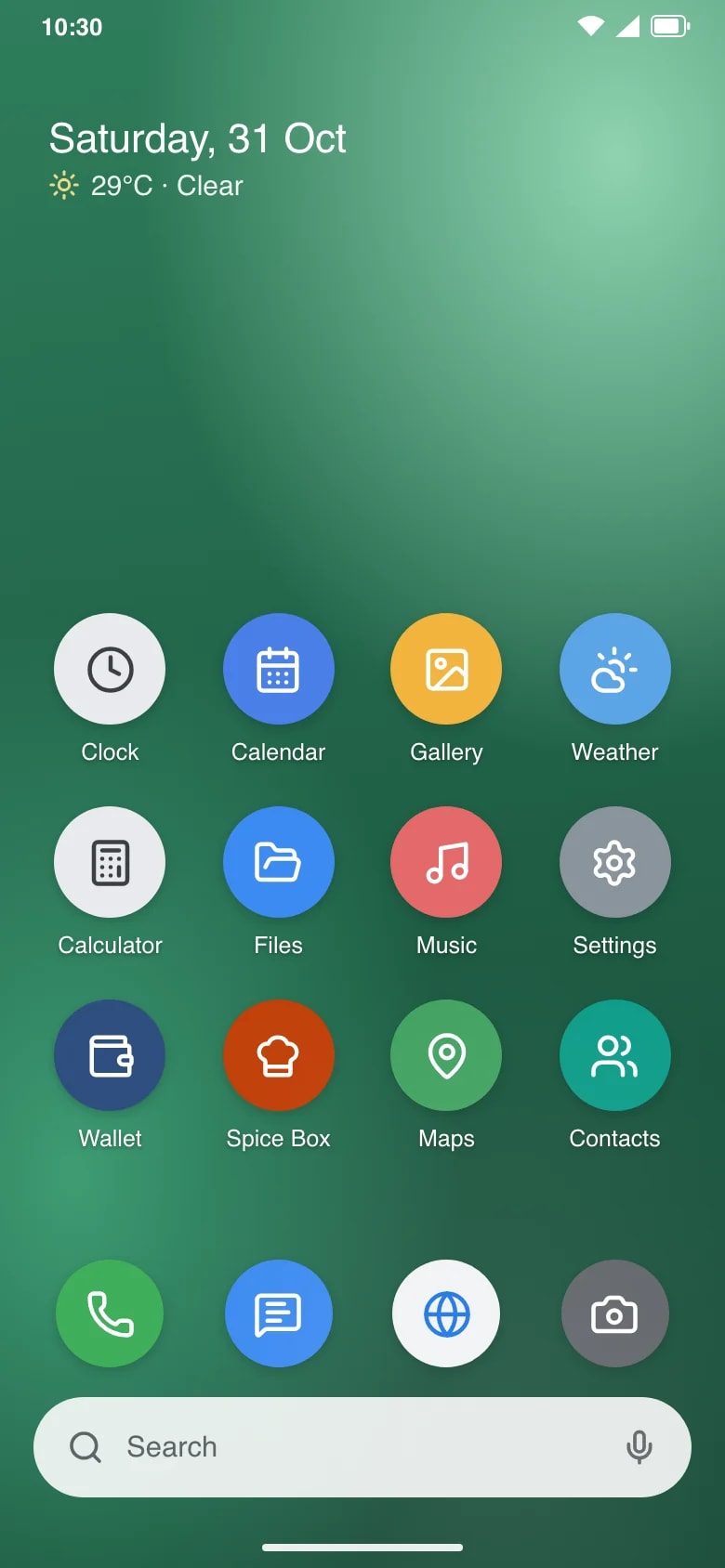
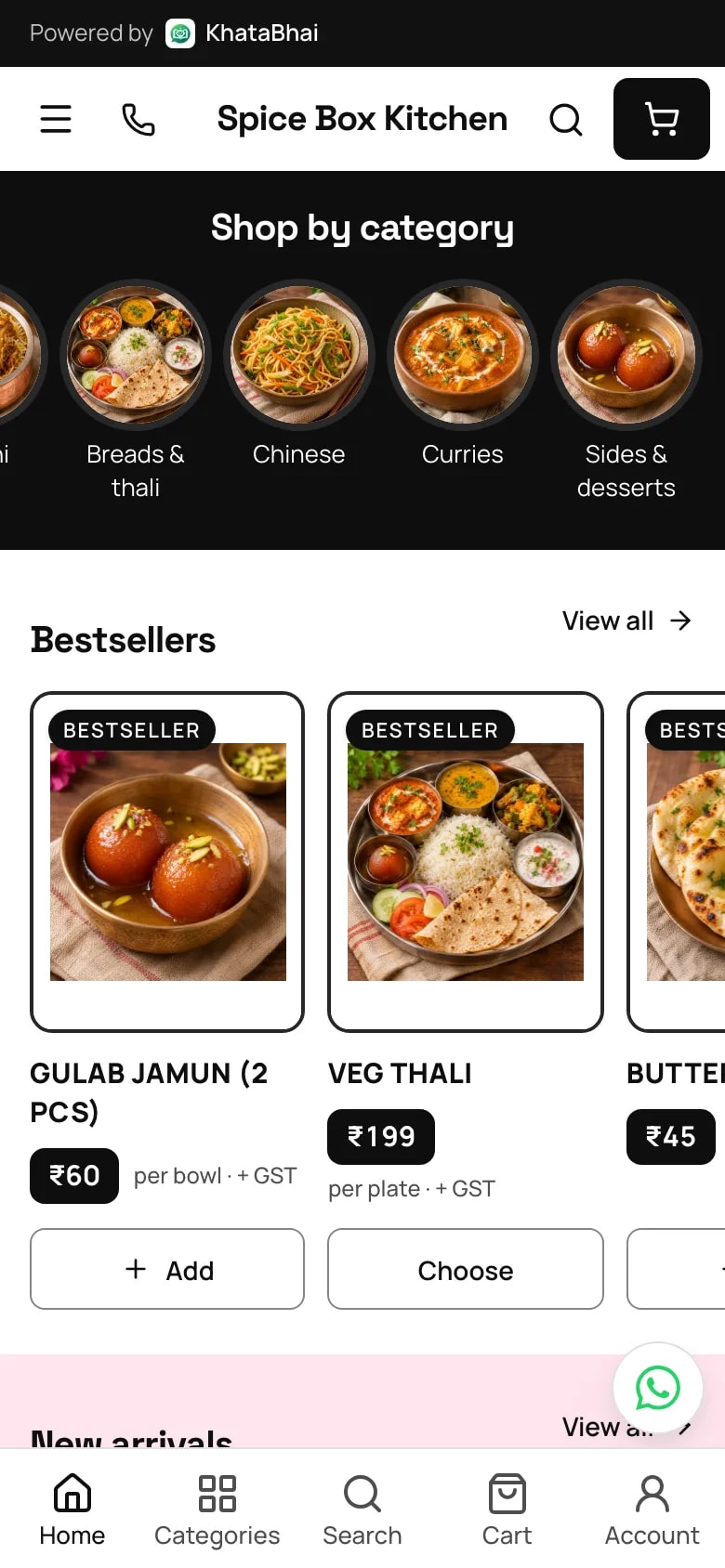
Two ways to get your app.
Install it from your store link
Grow and above
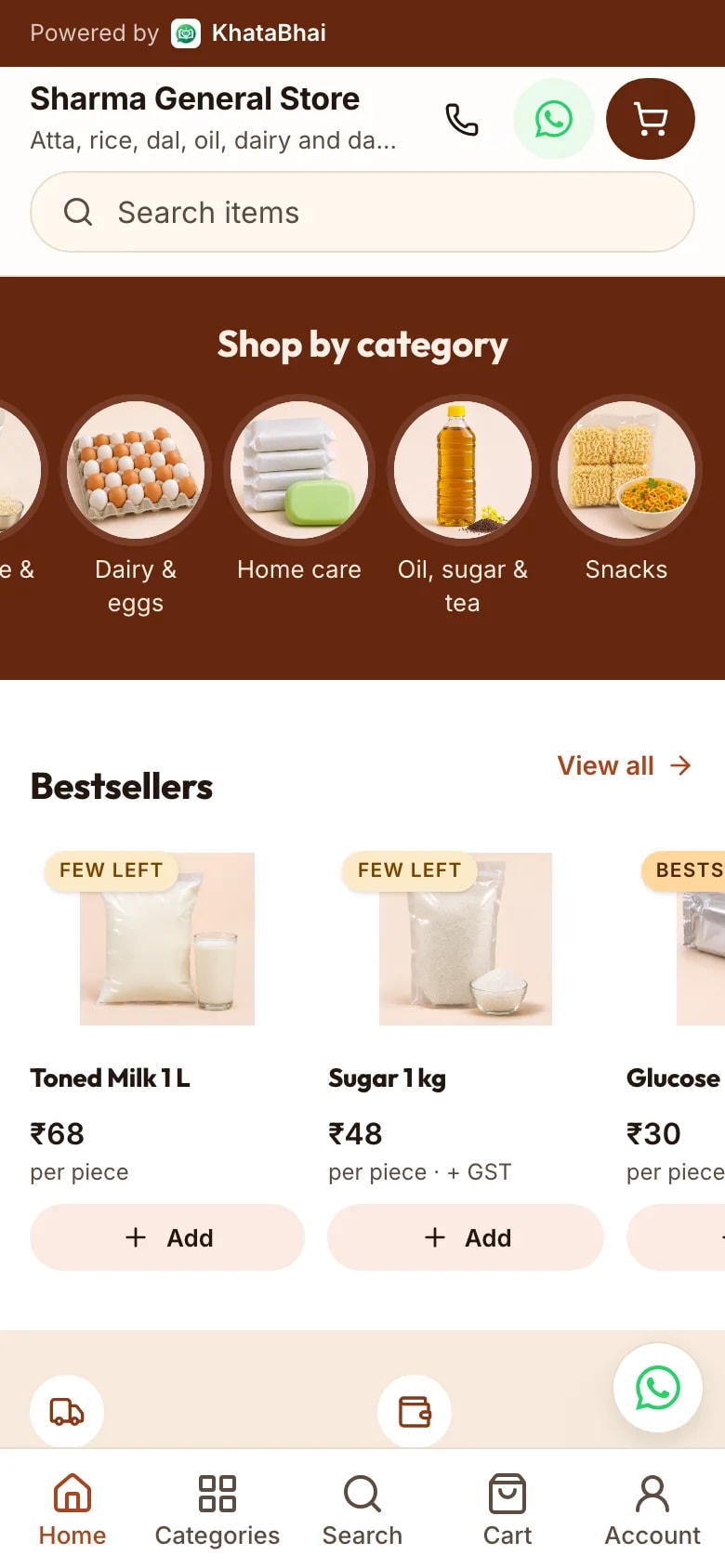
- Customers tap Add on your store, and it sits on their home screen
- Your shop's name, logo and colours, not ours
- Opens straight to your store, ready to order
- No app store needed
SAdd Sharma General Store to your home screen
Open the store in one tap, like an app.
AddNot nowYour own Android app on Google Play
Business and above
- We build it from your store: the same items, prices and offers
- We publish it on Google Play for you, so you don't need a Play account
- Orders from the app come to your dashboard like store orders
Diwali offer: free one-time setup. Custom features are paid add-ons.
Which one fits.
| Compare | Install from your store link | Your own Android app |
|---|---|---|
| How customers get it | Tap Add on your store | Download it from Google Play |
| Name and logo | Your shop's | Your shop's |
| Items, prices and offers | From your store | From your store |
| Who publishes it | Nothing to publish | We do, under our KhataBhai account |
| Where orders go | Your dashboard | Your dashboard |
| Plan | Grow and above | Business and above |
What happens after the customer taps Place order.
The app, your store and your books are the same system.
- 1
Add your items
YouPhotos, prices, sizes and stock. Import them from Excel if you already have a list.
- 2
Share your store link
YouPick a design and send the link on WhatsApp, Instagram or anywhere else.
- 3
A customer places an order
Your customerThey browse, add to cart and confirm their number with a code on WhatsApp.
- 4
The order reaches you
AutomaticAs a Sales Order, with a WhatsApp alert. The customer is saved to your customer list.
- 5
Accept and create the invoice
YouOne step from the order. Or let store orders become invoices on their own.
- 6
Stock and dues update
AutomaticThe invoice takes the items out of stock and adds the amount to what the customer owes.
- 7
Deliver or hand over
YouAssign a driver and share a tracking link, or keep it ready for pickup.
- 8
Record the payment
YouCash, UPI, bank or cheque against the invoice. Paid online at checkout? It's already marked.
- 9
Reports are current
AutomaticSales, dues, stock and GST reports include the order without any extra entry.
FAQ
Your own app questions.
More in the help centre, or ask us on WhatsApp.
What's the difference between the two?
Customers install the first from your store link, with your name and logo on their home screen. It's on Grow and above. The second is a separate Android app that customers download from Google Play. It's on Business and above.
Do I need my own Google Play account?
No. We publish your Android app on Google Play under our KhataBhai account.
Do I need an Online Store first?
Yes. Both start from your store, so customers see the same items, prices and offers.
Where do orders from the app go?
To your dashboard, like store orders. When you create the invoice, stock and the customer's dues update.
What does the Android app cost to set up?
It comes with Business and above. Diwali offer: free one-time setup. Custom features are paid add-ons.
Can customers still order from my store link?
Yes. The app adds a way to order. Your store link keeps working, and all orders land in one dashboard.