
Nursery & Garden
Run your nursery and sell plants online.
Plants come in sizes, sell by season and need careful delivery. KhataBhai keeps your catalog, stock, orders and deliveries in one place, and turns your plants into a store your customers can order from.

Sound familiar?
What nursery & garden owners tell us, and how KhataBhai handles each one.
- Customers ask on WhatsApp for photos and prices of the same plants every day.
- KhataBhai: Share one store link with all your plants, their photos, sizes and prices. Orders arrive as Sales Orders with a WhatsApp alert.
- Stock by pot size is hard to track, so you promise plants you don't have.
- KhataBhai: Each pot size is a choice with its own price and stock, and a sold-out choice can't be ordered.
- Deliveries are planned on the phone, and customers keep calling to ask where their order is.
- KhataBhai: Set delivery areas, charges and time slots at checkout. Assign a driver and share a live tracking link (Grow and above).
Your plants, in a store customers can order from
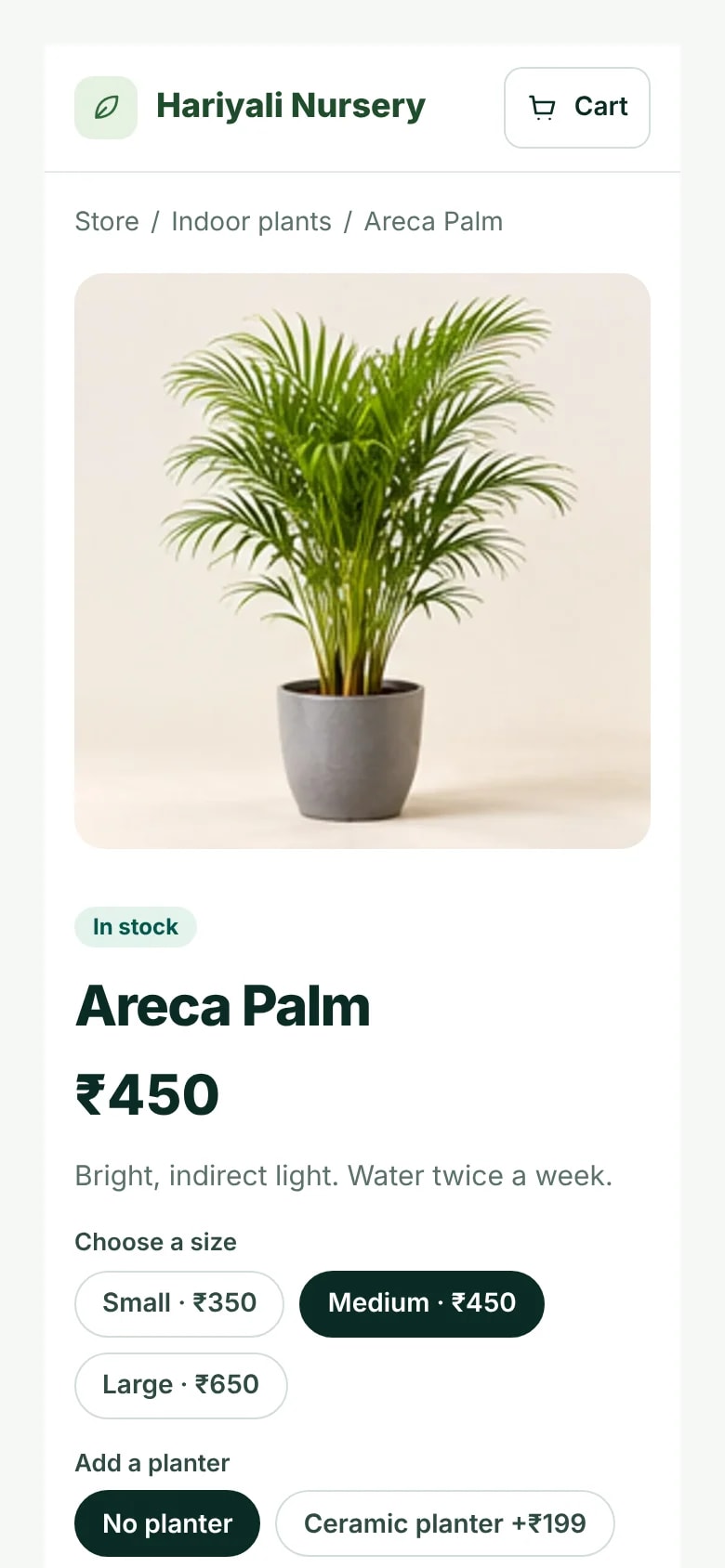
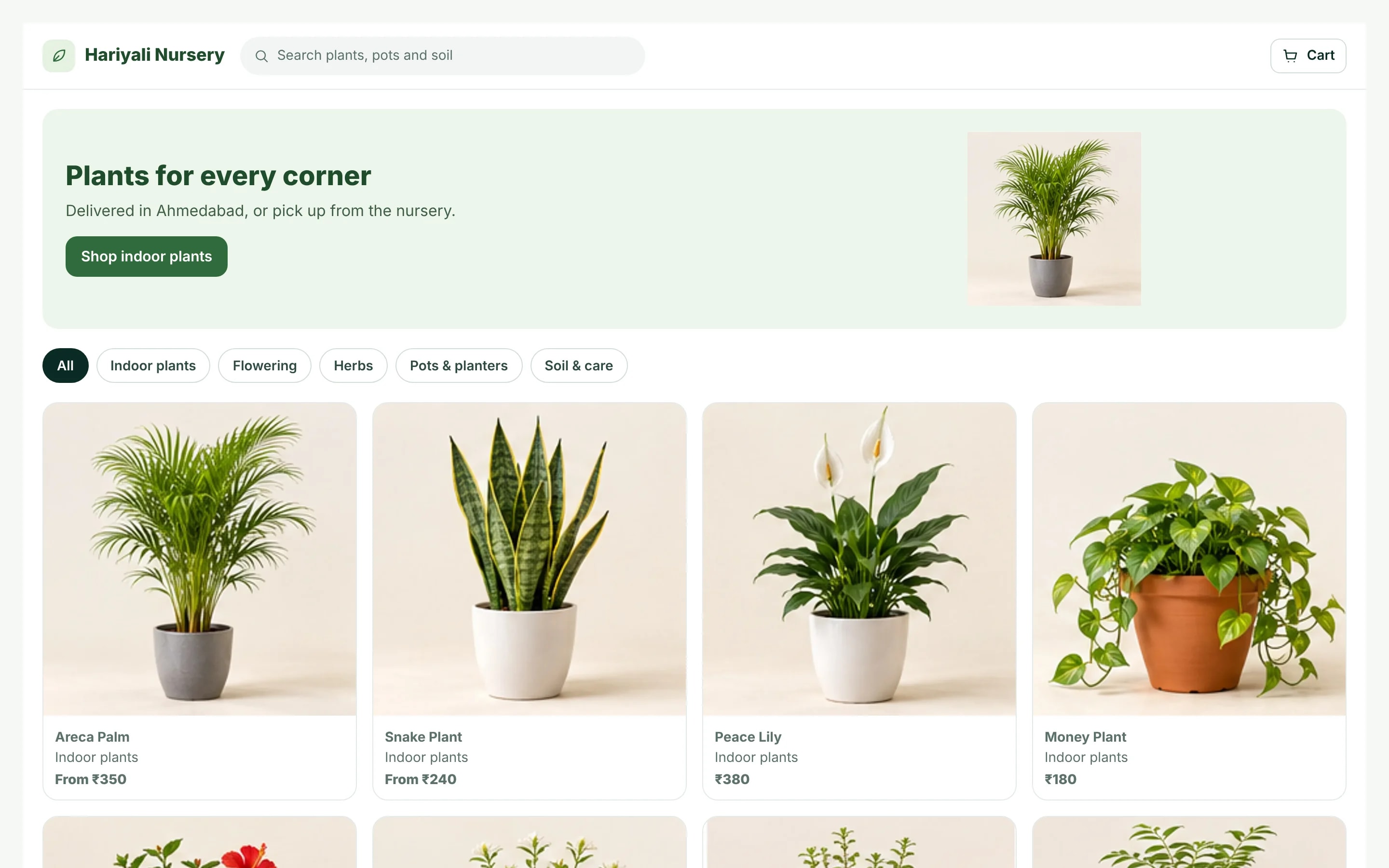
Your items are already in KhataBhai, so your store is too. Customers browse by category, pick a pot size or planter, and order from their phone.
- Up to 8 photos per item
- Pot sizes and planters as choices, each with its own stock
- Delivery or pickup, with time slots
- Your store link and online orders are on Essential and above.
Store designs made for nursery & garden: Warm Editorial, Fresh Daylight, Quiet Studio. Preview any of them before you publish.
From order to doorstep
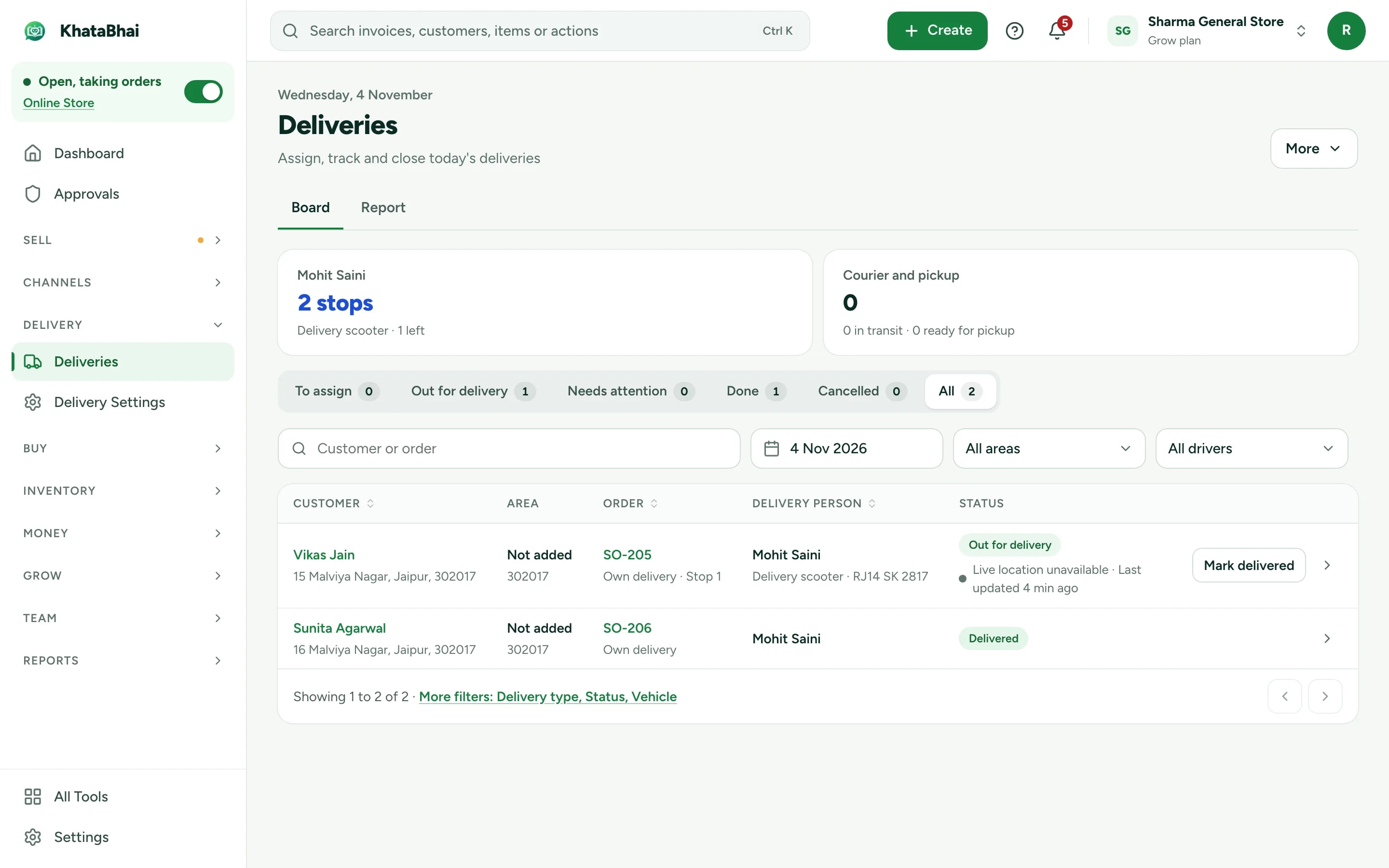
Accept the order and create the invoice in one step, then hand it to a driver. Your customer follows the delivery, and your driver finishes it with a code, a photo or a signature.
- WhatsApp alert for every order, with Accept and Reject
- Delivery areas by pincode, locality or distance
- Live tracking link for the customer (Grow and above)
A normal day in KhataBhai.
- 1
Add plants with photos, pot sizes and prices
You - 2
Customers browse your store link and order
Your customer - 3
You get a WhatsApp alert, accept the order and create the invoice
You - 4
Assign a driver, who gets the order on their phone
You - 5
The customer follows the delivery live
Your customer - 6
Delivered with a code, and the payment recorded
You
Getting started
Sign up with your phone number and add your items. For a nursery & garden business, most owners start with Items with photos and sizes, Online Store and Deliveries, and turn on the rest when they need it.
Sign up with your phone number
On the web or on WhatsApp. You confirm with a code sent on WhatsApp, no password.
Add your items and customers
One by one, or import an Excel or CSV file. Add opening balances too.
Create your first invoice
On the web or by message. Share the PDF on WhatsApp.
Turn on your Online Store
Pick a design, choose delivery or pickup and share your link. Online orders land in the same records.
FAQ
Questions, answered.
More in the help centre, or ask us on WhatsApp.
Can I sell the same plant in different pot sizes?
Yes. Add the sizes as choices on one item, each with its own price and stock.
Do customers pay online?
Customers pay you on delivery or at pickup. To take payment online at checkout, connect your own payment gateway account.
Which plan do I need for the Online Store?
Your store link and online orders are on Essential and above. Billing, stock and customers work on every plan, including Free.