
Hardware & Electrical
Run your hardware business, from quotation to collection.
Contractors ask for quotes, buy on credit and pay later. KhataBhai turns quotes into invoices, tracks what every customer owes and keeps stock right across your warehouses.

Quotation QT-0042
Gupta Constructions
- PVC pipe 1 inch × 40₹7,600
- Elbow 1 inch × 60₹1,500
- Wire 1.5 mm × 4 bundles₹6,800
Nothing retyped: the invoice carries the quoted items and rates.
Sound familiar?
What hardware & electrical owners tell us, and how KhataBhai handles each one.
- Quotes are written by hand and retyped as bills.
- KhataBhai: Make the quotation once and convert it into an invoice, or a Sales Order first, in one step.
- Contractor dues pile up and nobody follows up in time.
- KhataBhai: Each contractor's dues, by how overdue they are, with payment follow-ups and WhatsApp reminders.
- Reordering from suppliers depends on memory.
- KhataBhai: Low stock alerts, and a purchase order in one step that you can receive in parts.
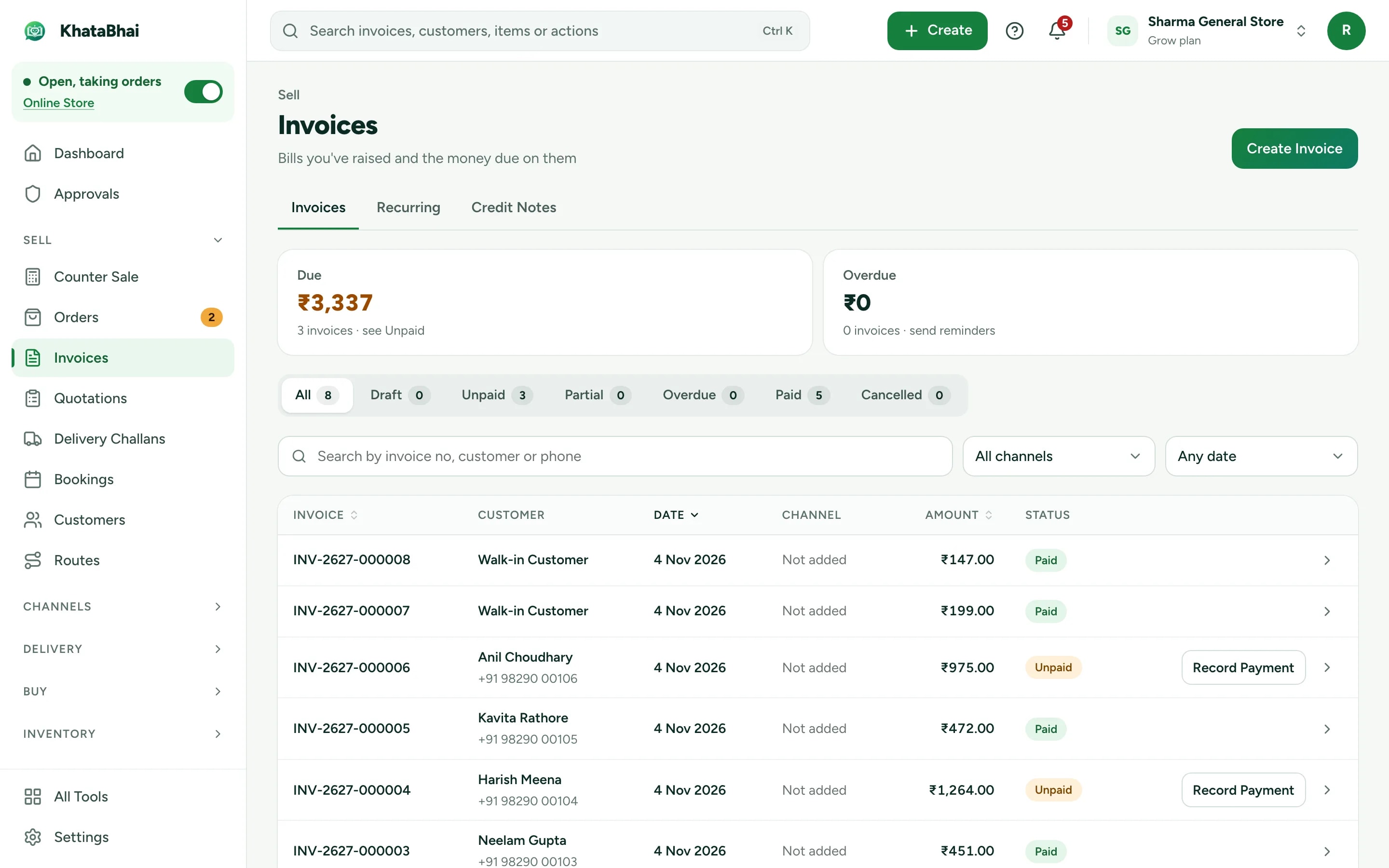
Quotes, challans and invoices without retyping
Every document turns into the next: a quotation into an invoice, a Delivery Challan into an invoice when the goods are accepted.
- Special rates for your regular contractors
- Delivery Challans for goods sent before the invoice
- GST invoices shared on WhatsApp
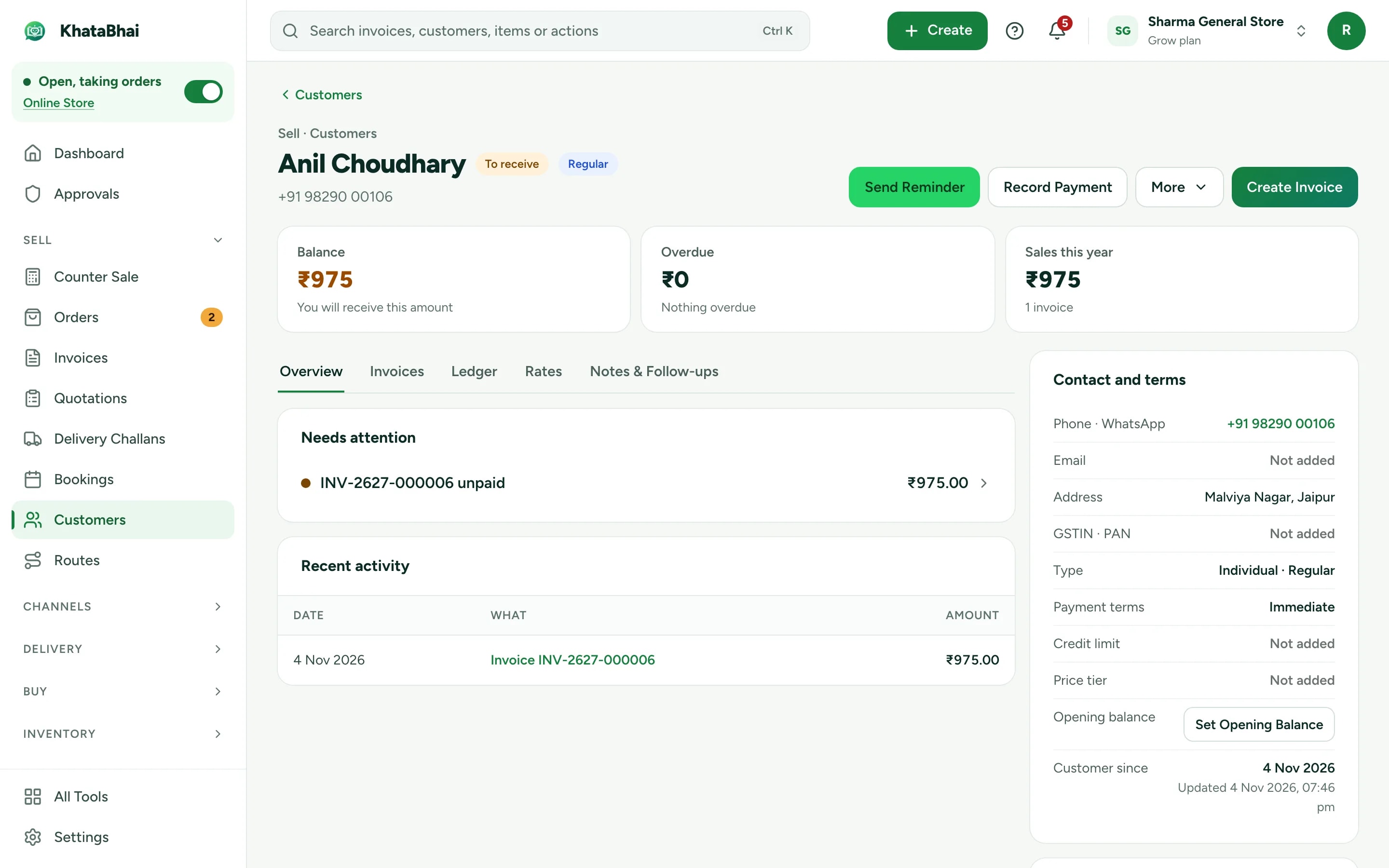
Contractor dues under control
A page per customer with every invoice, payment and promise to pay, and a reminder in one tap.
- Payment follow-ups with promised dates
- Reminders on WhatsApp (Essential and above)
- Credit limits that ask before going over
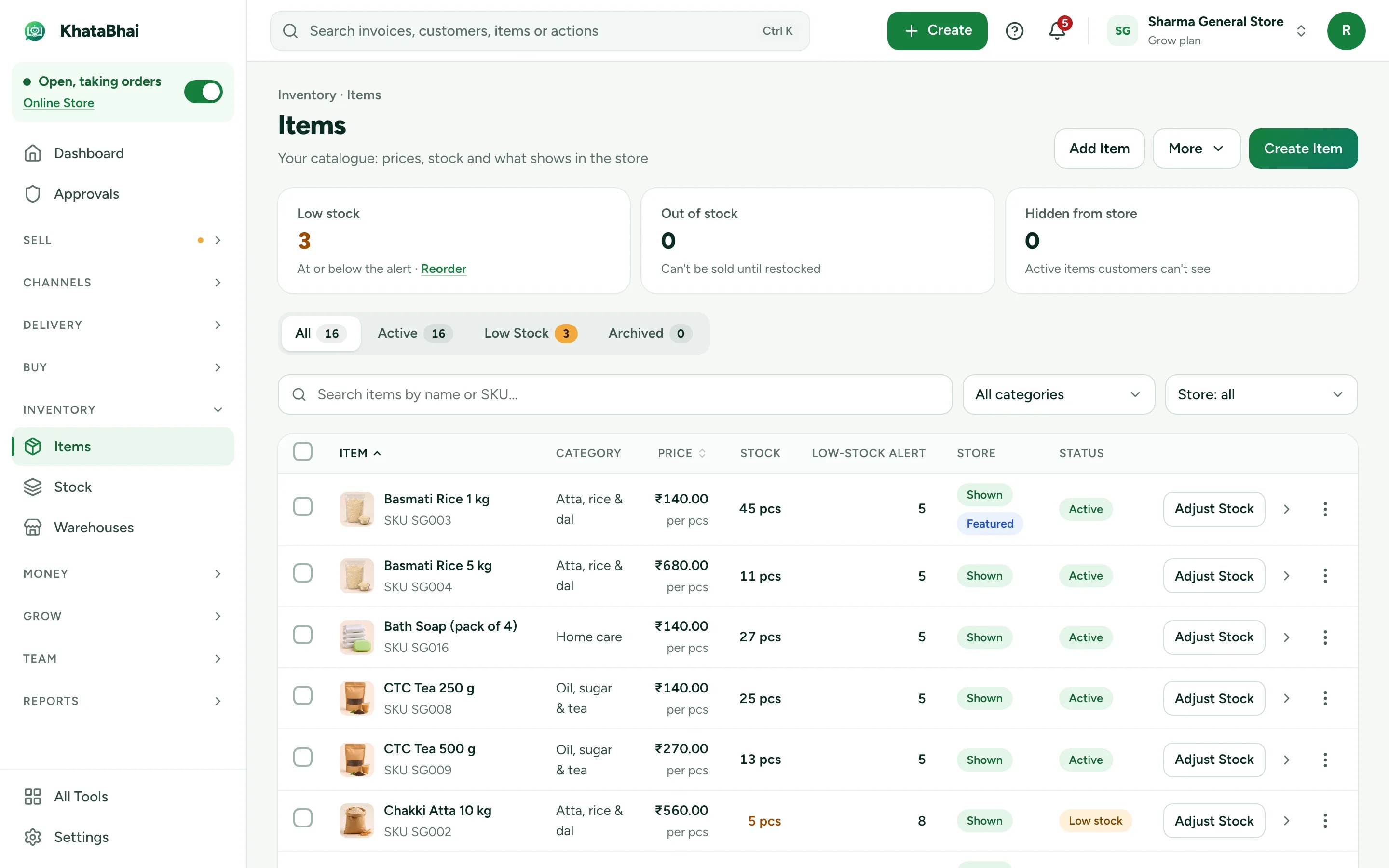
Stock in every warehouse
Know what's on the shelf before you quote it.
- Stock across Warehouses, with transfers (Grow and above)
- Purchase orders received in parts
- An Online Store for your range, or catalog only so buyers ask for prices
A normal day in KhataBhai.
- 1
A contractor asks for a price on WhatsApp
Your customer - 2
You make a quotation with their special rates
You - 3
The work is agreed: convert it into an invoice, or send the goods with a Delivery Challan first
You - 4
Stock goes down in the warehouse you bill from
Automatic - 5
A part payment is recorded, and the rest shows as due
You - 6
When it's overdue, a reminder goes out on WhatsApp
You - 7
Stock running low? Raise a purchase order in one step
You
Getting started
Sign up with your phone number and add your items. For a hardware & electrical business, most owners start with Quotations, Customer dues and Purchase Orders, and turn on the rest when they need it.
Sign up with your phone number
On the web or on WhatsApp. You confirm with a code sent on WhatsApp, no password.
Add your items and customers
One by one, or import an Excel or CSV file. Add opening balances too.
Create your first invoice
On the web or by message. Share the PDF on WhatsApp.
Turn on your Online Store
Pick a design, choose delivery or pickup and share your link. Online orders land in the same records.
FAQ
Questions, answered.
More in the help centre, or ask us on WhatsApp.
Can I convert a quotation into an invoice?
Yes. Convert it in one step, or turn it into a Sales Order first.
Can I track stock in two godowns?
Yes, on Grow and above. Add each as a Warehouse and move stock between them.
Does it work on WhatsApp?
Yes. Create invoices, check stock and record payments by message, voice note or photo.
Keep exploring
- Other business typesEach type of business, with its own day.Open
- Billing & businessHow a sale updates stock, dues and Reports, step by step.Open
- Online StoreYour store link and online orders are on Essential and above.Open
- Billing on WhatsApp: Hardware, Sanitary & Electrical ShopsInvoices and quotations by message, voice note or photo, in Hinglish.Open
- Billing on WhatsApp: Paint Dealers & Building MaterialInvoices and quotations by message, voice note or photo, in Hinglish.Open