
Cloud Kitchen
Take orders on your own link, and run the kitchen from one place.
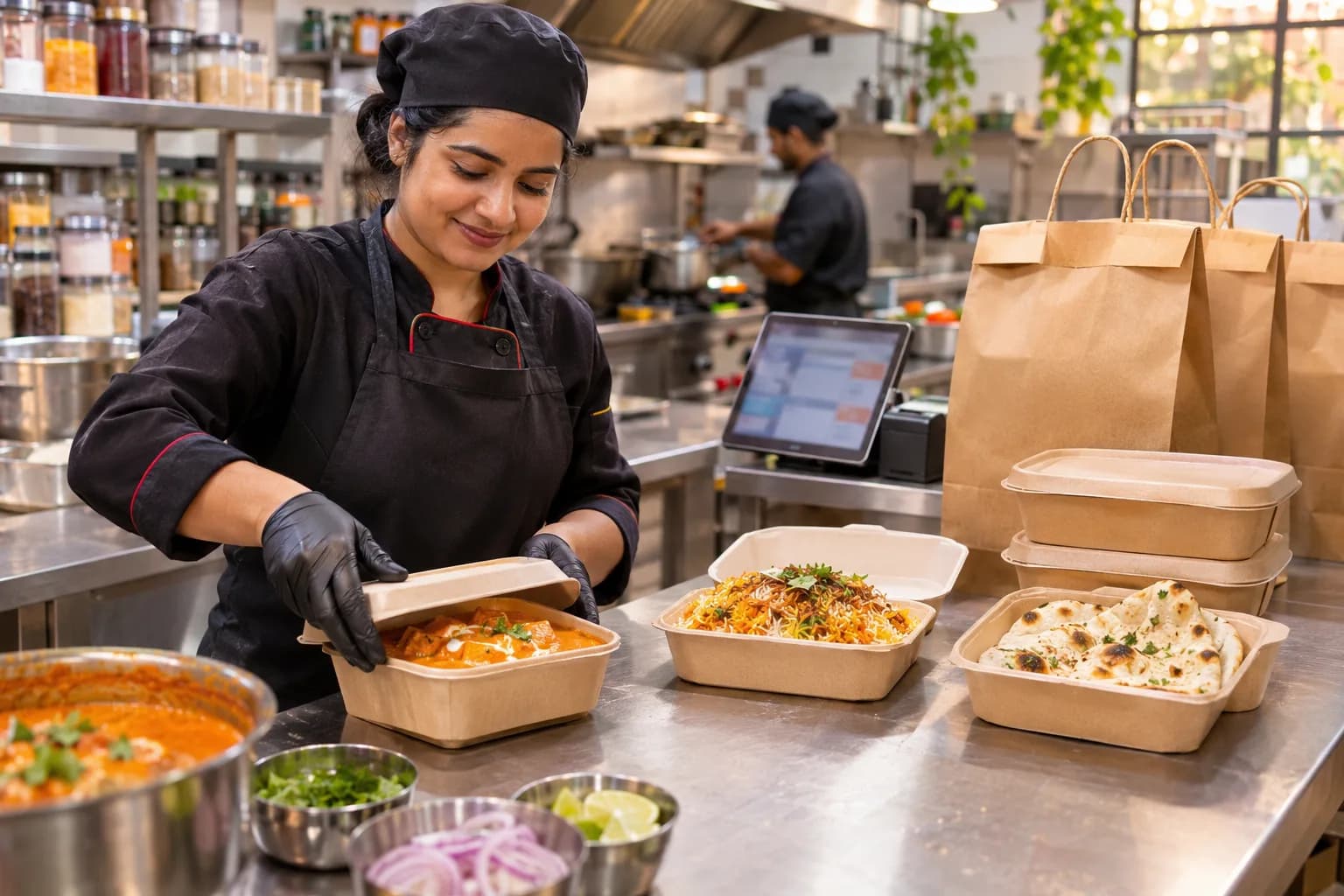
A cloud kitchen lives on delivery orders. KhataBhai gives you your own ordering link and app, rings the kitchen when an order comes in, and keeps bills, deliveries and sales in one place.
Sound familiar?
What cloud kitchen owners tell us, and how KhataBhai handles each one.
- Customers ask for the menu and prices on WhatsApp again and again.
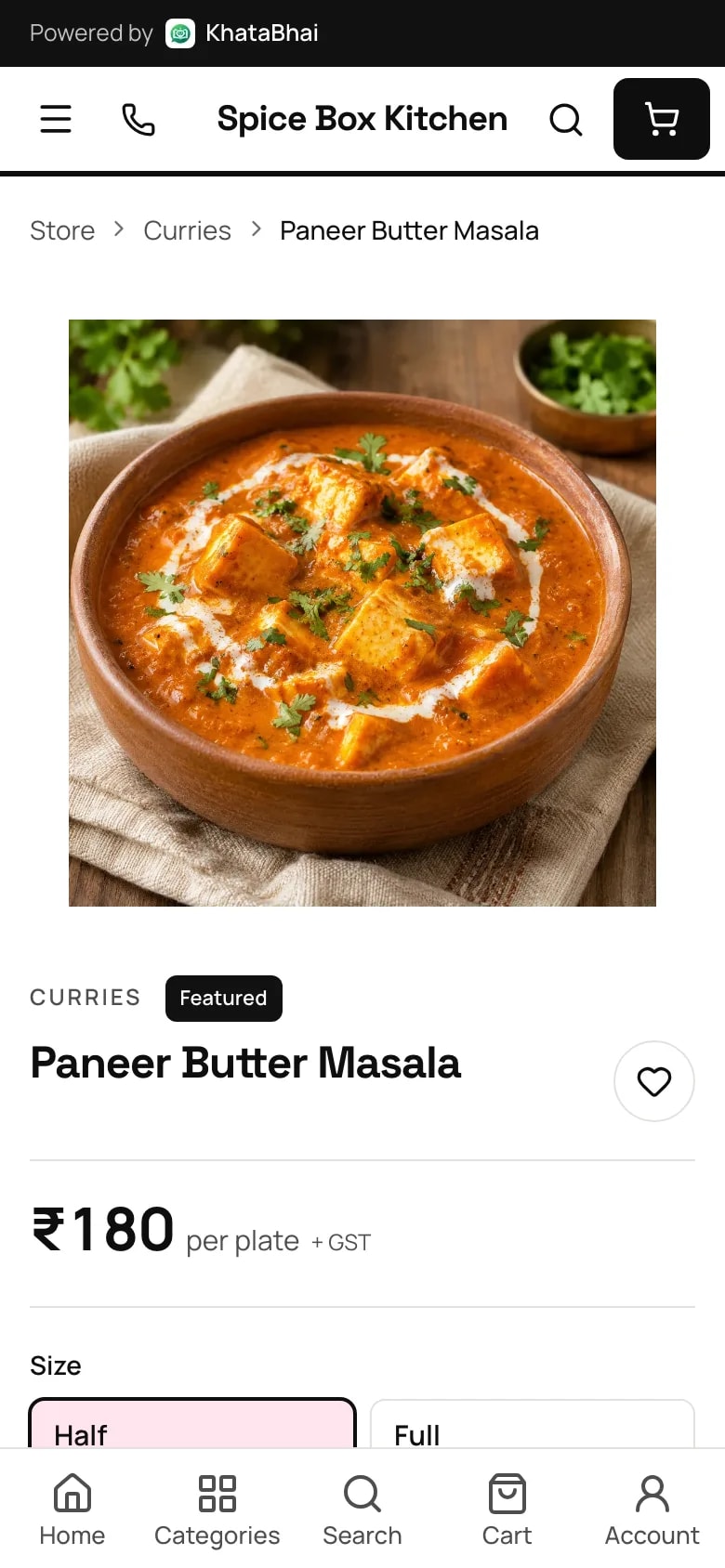
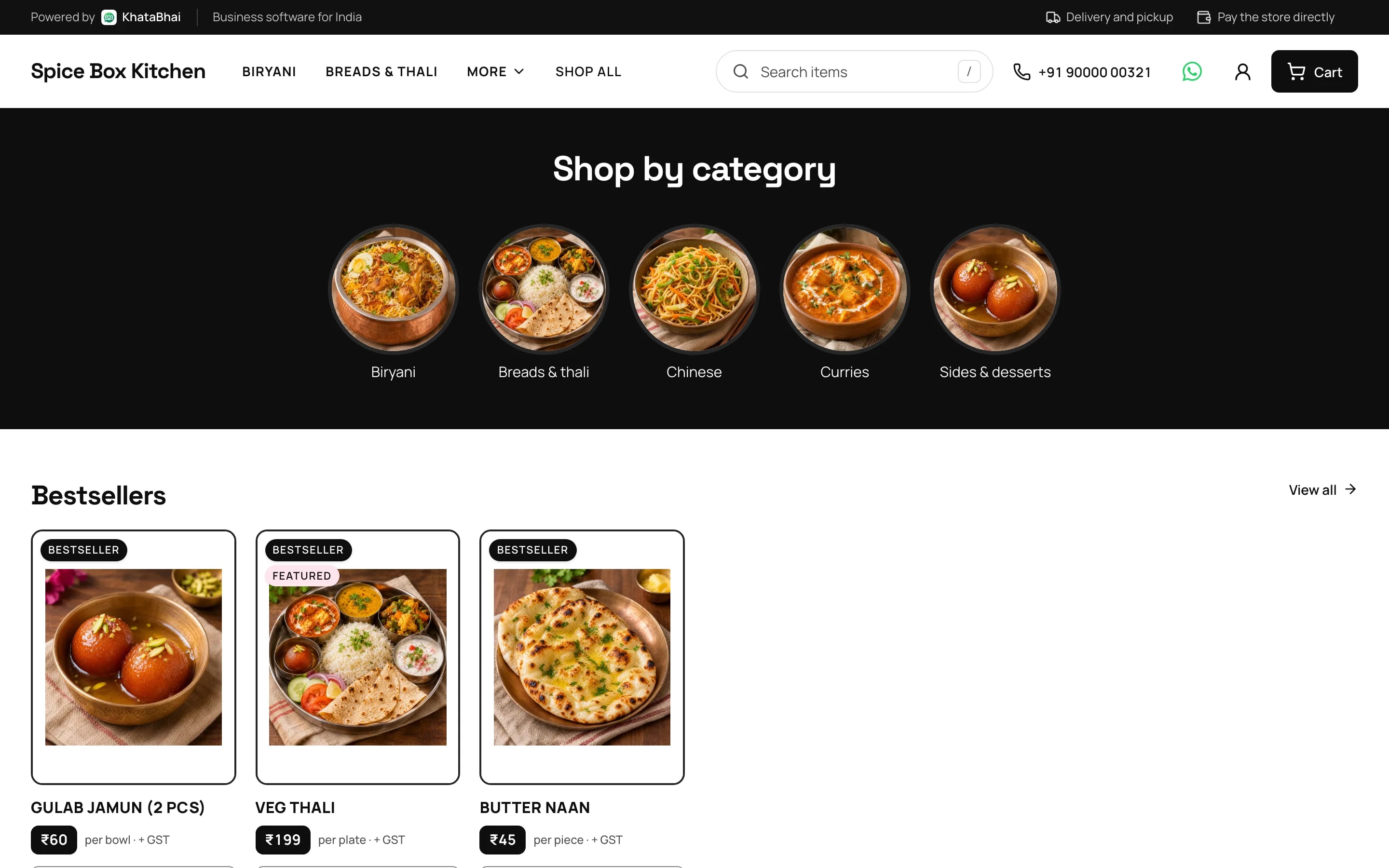
- KhataBhai: Share one link with your menu, photos and prices. Customers pick Half or Full and their add-ons themselves.
- Phone and WhatsApp orders get written on paper, and some get missed.
- KhataBhai: Every order lands in one list as a Sales Order. The Orders desk in the KhataBhai app rings for each new one, and you get a WhatsApp alert.
- Your regular customers have no simple way to order from you directly.
- KhataBhai: Customers install your store from your link (Grow and above), or get your own Android app on Google Play (Business and above).
- Customers call to ask where their food is.
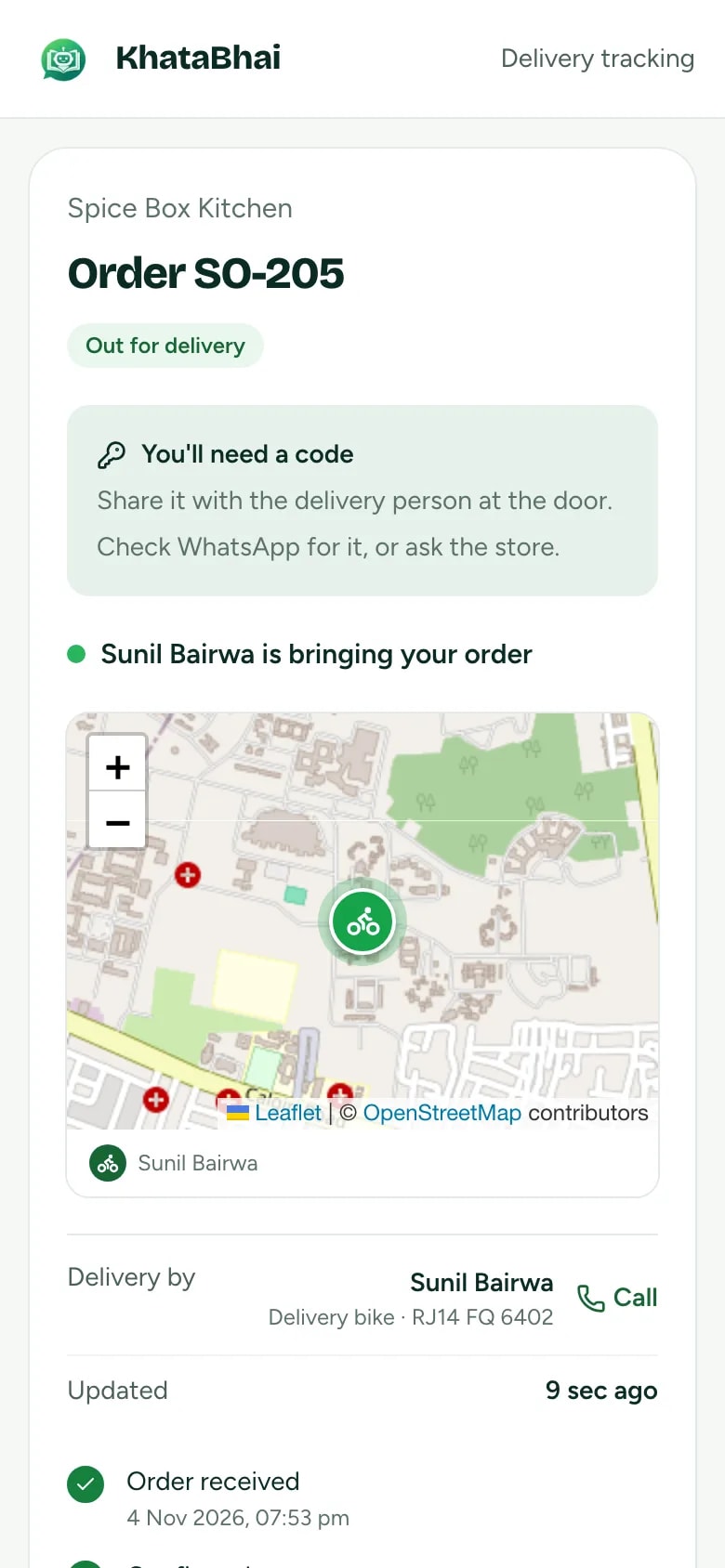
- KhataBhai: Give the order to your rider. The customer gets a live tracking link (Grow and above), and the rider finishes with a delivery code.
- Making a GST bill for every order takes time.
- KhataBhai: Accept the order and create the GST invoice in one step, or let store orders become invoices on their own.
- At the end of the day you don't know what sold.
- KhataBhai: Reports show today's sales, your best-selling dishes and what's still due, and a daily summary comes on WhatsApp.
A menu customers can order from
Add each dish once, with its photo, price and choices. Half and Full are portions with their own price, and add-ons like extra raita or a butter naan go in with one tap.
- Half and Full, or any portion, each with its own price
- Add-ons on any dish, each its own line on the order
- Photos, descriptions and categories for every dish
- Your store link and online orders are on Essential and above.
Every order in one place, and the kitchen hears it
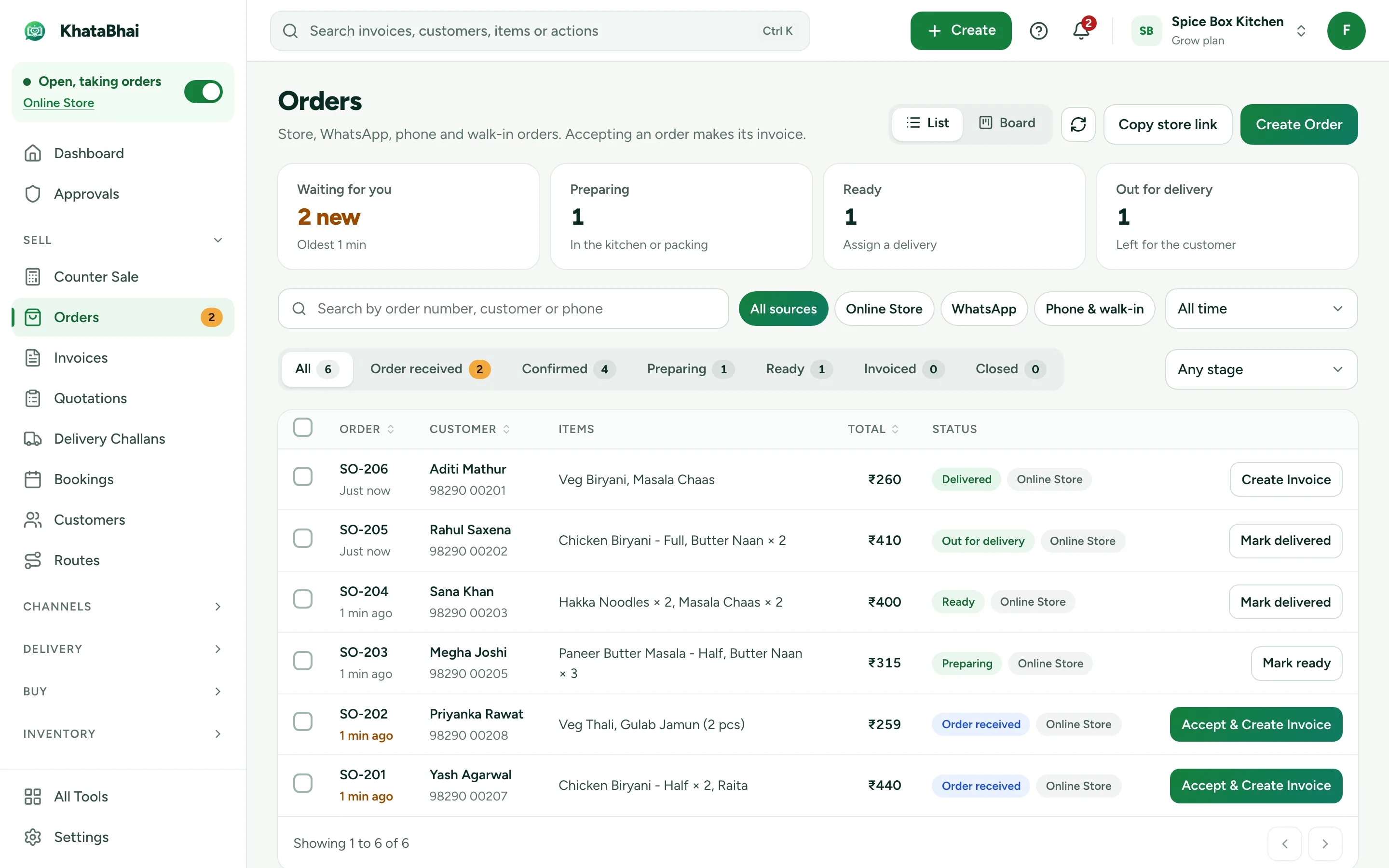
Orders from your link, your app and your WhatsApp Store land in one list as Sales Orders. The Orders desk in the KhataBhai app rings for each new one, and counter staff take phone and walk-in orders there too.
- WhatsApp alert with Accept and Reject
- Accept and create the GST invoice in one step
- Phone and walk-in orders on the Orders desk
- Orders in a WhatsApp chat on your own number (Grow and above)
From the kitchen to the door, tracked
Give each order to a rider from your Staff. Your customer follows the delivery live, and the rider finishes it with a delivery code.
- Delivery areas and delivery fees
- Live tracking link for the customer (Grow and above)
- Cash collected is settled per rider
A normal day in KhataBhai.
- 1
Add your menu with photos, Half and Full portions and add-ons
You - 2
Customers order from your link, your own app or your WhatsApp Store
Your customer - 3
The order rings on the Orders desk and reaches you on WhatsApp
Automatic - 4
Accept it and create the GST invoice in one step
You - 5
Hand it to your rider, and the customer follows the delivery live
You - 6
Today's sales and best-selling dishes are in your Reports
Automatic
Getting started
Sign up with your phone number and add your items. For a cloud kitchen business, most owners start with Menu items with portions, Online Store and Deliveries, and turn on the rest when they need it.
Sign up with your phone number
On the web or on WhatsApp. You confirm with a code sent on WhatsApp, no password.
Add your items and customers
One by one, or import an Excel or CSV file. Add opening balances too.
Create your first invoice
On the web or by message. Share the PDF on WhatsApp.
Turn on your Online Store
Pick a design, choose delivery or pickup and share your link. Online orders land in the same records.
FAQ
Questions, answered.
More in the help centre, or ask us on WhatsApp.
Can I sell Half and Full portions?
Yes. Add the portions as choices on one dish, each with its own price.
Can customers add extra raita or naan to a dish?
Yes. Add-ons sit on the dish, and each one is its own line on the order.
Can my counter staff take phone orders?
Yes. The Orders desk in the KhataBhai app rings for new orders and takes phone and walk-in orders. Staff see only what their role allows.
Can I manage dine-in tables?
Not yet. KhataBhai handles delivery and pickup orders, not table service.
Which plan do I need?
Your store link and online orders are on Essential and above. Customers can install your store as an app on Grow and above. Your own Android app on Google Play is on Business and above.
Keep exploring
- Other business typesEach type of business, with its own day.Open
- Billing & businessHow a sale updates stock, dues and Reports, step by step.Open
- Online StoreYour store link and online orders are on Essential and above.Open
- Your own appHow customers install your store, or get your own Android app on Google Play.Open